Using the Dynamics Processors 165
01V—Owner’s Manual
4. Use the cursor buttons to select the parameters, and the PARAMETER
wheel or [–1/DEC] and [+1/INC] buttons to set them.
When aux sends are paired (“Making Aux Send Pairs” on page 101), their dynamics
processors are linked.
For the Stereo Output
1. Press the [HOME] button, and then the MASTER [SEL] button.
ST appears on the display, indicating that the stereo output is selected.
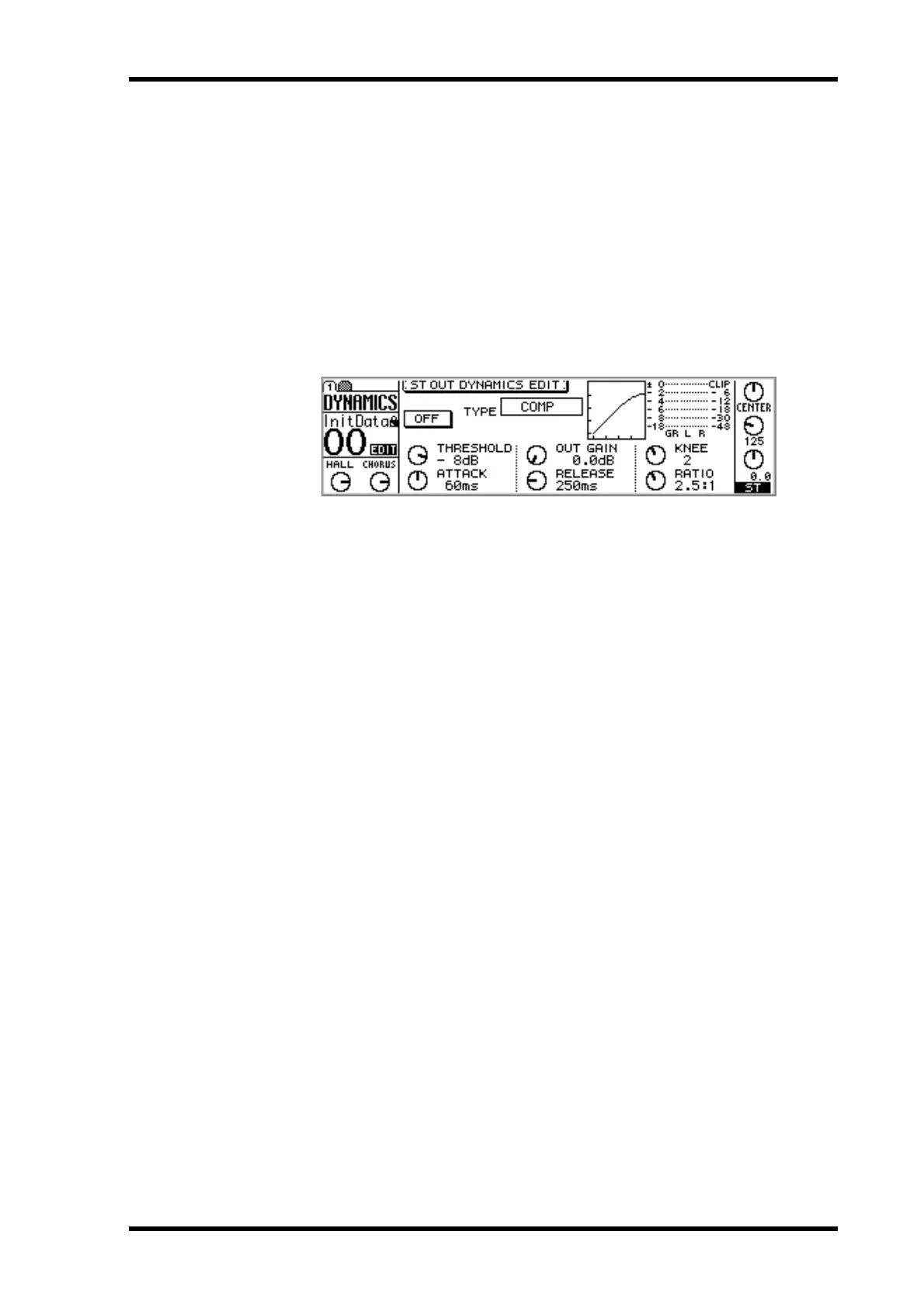
2. Use the [DYNAMICS] button to locate DYNAMICS page 1, as shown
below.
3. Press the [ENTER] button to turn on the dynamics processor.
The ON/OFF switch appears highlighted when the dynamics processor is on. While
DYNAMICS page 1 is displayed, the [ENTER] button turns the dynamics processor on
or off regardless of the cursor position.
4. Use the cursor buttons to select the parameters, and the PARAMETER
wheel or [–1/DEC] and [+1/INC] buttons to set them.



 To Next Page