6-5
6
PROGRAMMING
6-2 Editing Programs
7) After selecting the robot language command,
enter the operand data.
When you press
X
Z
+
, the cursor moves to op-
erand 1, so enter the data with the number keys.
(Do not press at this point.)
While pressing
X
Z
+
or
X
Z
–
to move the cur-
sor, enter all necessary operand data as needed.
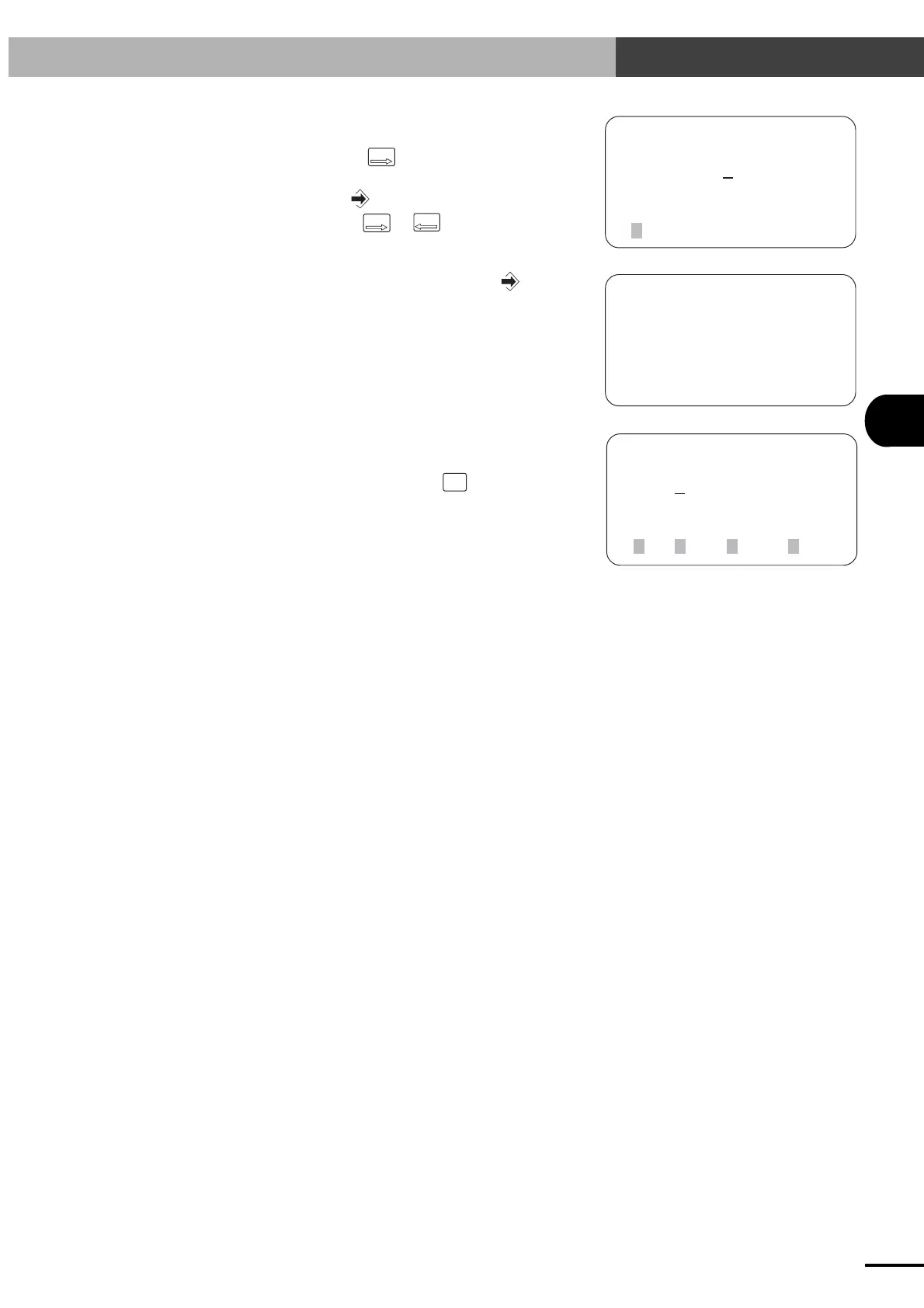
[EDIT-PGM] No 0
001:MOVA 0 ,100
(point No)0→999
1P
[EDIT-PGM] No 0
001:MOVA 1 ,80_
(speed)1→100
[EDIT-PGM] No 0
001:MOVA 1 ,80
1MAT2MSEL3MOVM 4next
8) After entering the operand data, press .
9) When entry is completed correctly, the cursor
moves to the operation code part.
To edit the next step, press
STEP
UP
to scroll the
step and repeat the procedure from step 6.
Artisan Technology Group - Quality Instrumentation ... Guaranteed | (888) 88-SOURCE | www.artisantg.com



 To Next Page