10-7
10
OTHER OPERATIONS
10-3 System Information Display
10-3 System Information Display
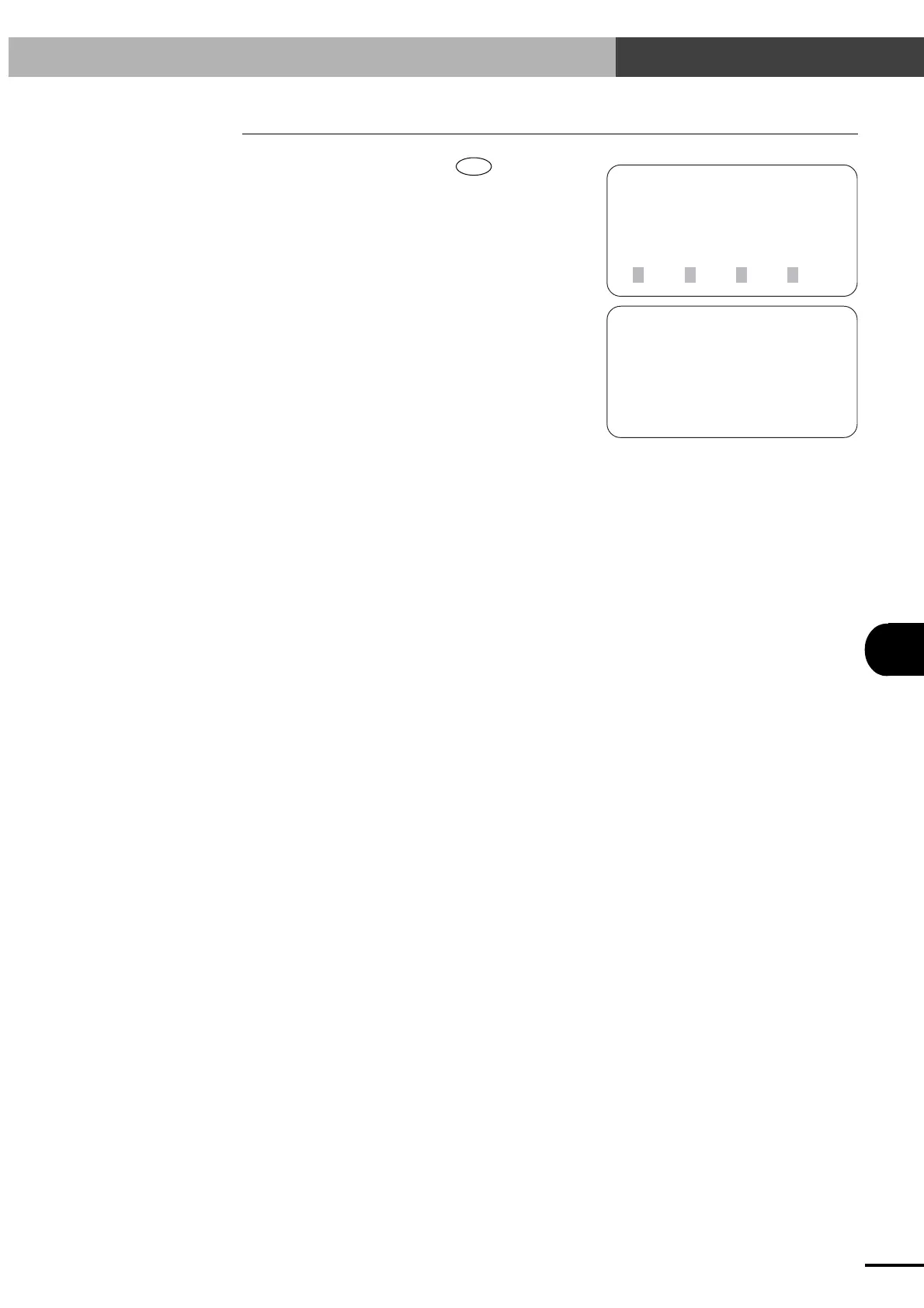
1) On the initial screen, press the
ESC
key.
[MENU]
select menu
1EDIT2OPRT3SYS 4MON
[INFORMATION]
controller V18. 11
TPB V 2. 10
robot type 20/20
2) The controller version number, TPB version
number, and robot type are displayed. The
screen returns to the initial screen after approxi-
mately two seconds.
Artisan Technology Group - Quality Instrumentation ... Guaranteed | (888) 88-SOURCE | www.artisantg.com



 To Next Page