12-8
12
MESSAGE TABLES
12-4 Displaying the Error History
A history of past errors can be displayed. Up to 100 errors can be stored in the controller.
This function is available when the controller version is 18.50 or later and the TPB version is 12.18 or
later.
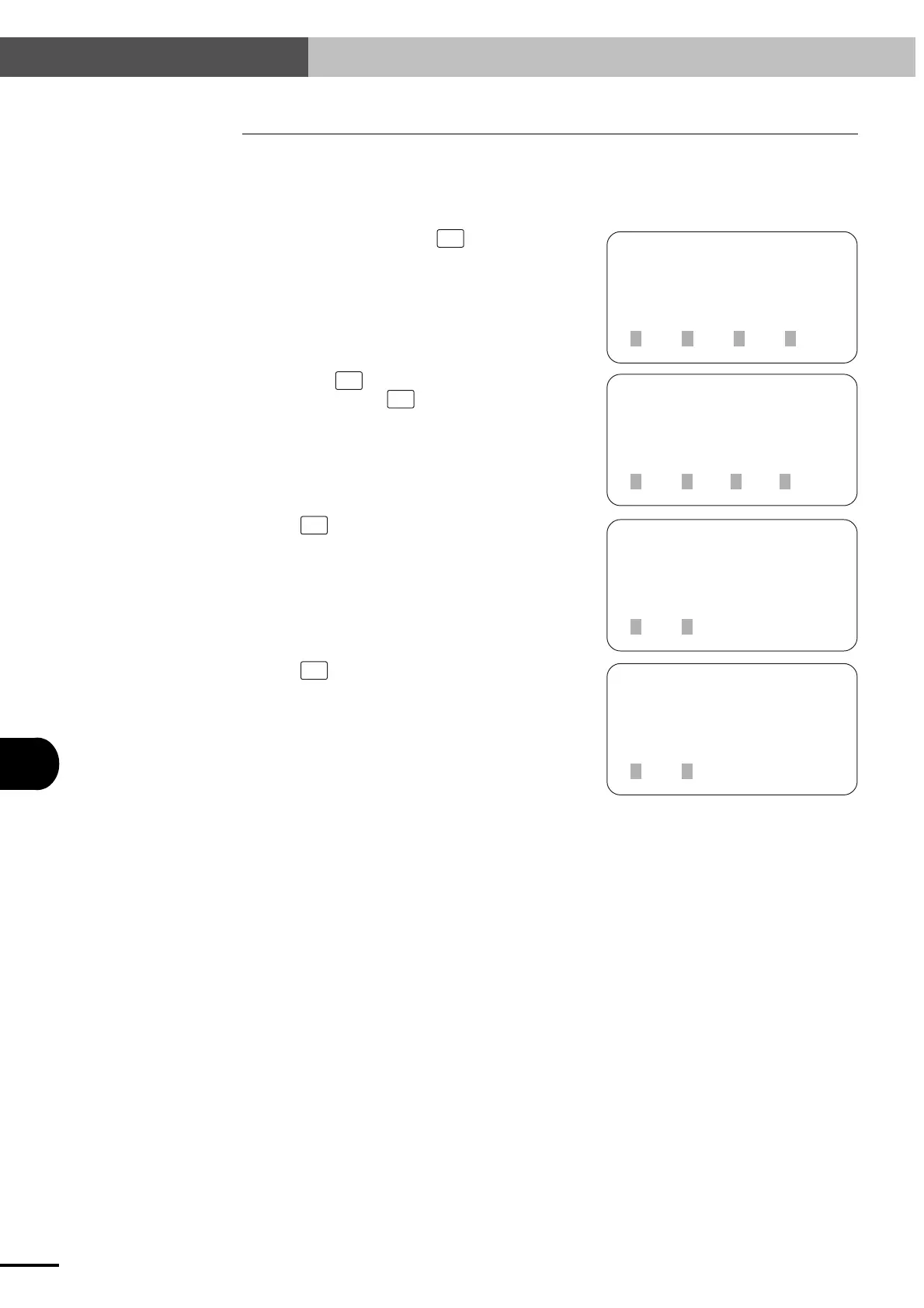
1) On the initial screen, press
F3
(SYS).
[MENU]
select menu
1EDIT2OPRT3SYS 4MON
[SYS]
select menu
1SAFE2OPT
2REC
3UTL 4next
[SYS-UTL]
select menu
1HDPR
2ERR
[SYS-UTL-REC]
select menu
1ALM
2) Next, press
F4
(next) to change the menu dis-
play and then press
F3
(UTL).
3) Press
F2
(REC).
4) Press
F2
(ERR).
12-4 Displaying the Error History
Artisan Technology Group - Quality Instrumentation ... Guaranteed | (888) 88-SOURCE | www.artisantg.com



 To Next Page