9-2
9
OPERATING THE ROBOT
9-1 Performing Return-to-Origin
9-1 Performing Return-to-Origin
There are two methods for detecting the origin position (reference point): search method and mark
method. The search method is further divided into the origin sensor method and stroke-end detection
method. In the mark method, you can move the robot to a desired position (mark position) and set it
as the particular coordinate position to determine a reference point.
The following sections explain how to perform return-to-origin by using the search method and mark
method.
Once return-to-origin is performed after the robot cable and absolute battery are connected, there is
no need to repeat it even when the controller is turned off. (As an exception, return-to-origin becomes
incomplete if the absolute backup function is disabled or a parameter relating to the origin is changed.
Return-to-origin must be reperformed in that case.)
9-1-1 Return-to-origin by the search method
When the search method is selected as the origin detection method (PRM55 and PRM95 are set to 0
or 1), perform return-to-origin with the procedure below.
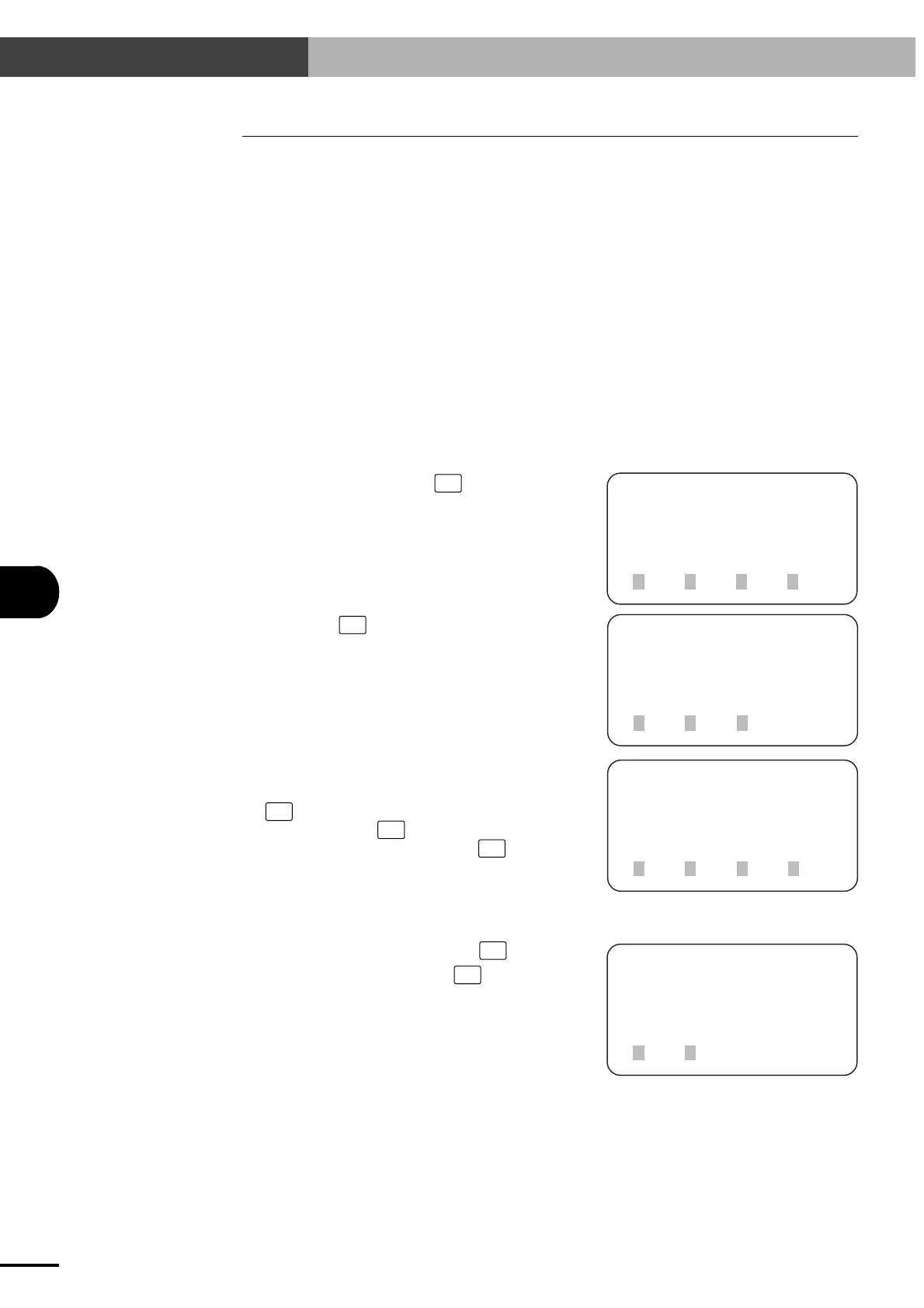
1) On the initial screen, press
F2
(OPRT).
[MENU]
select menu
1EDIT2OPRT3SYS 4MON
[OPRT]
select menu
1ORG 2STEP3AUTO
[OPRT-ORG]
select axis for
origin control
1ALL 2X 3Y 4next
[OPRT-ORG-SEARCH]
ORG search OK ?
1yes 2no
2) Next, press
F1
(ORG).
3) Select the axis to perform return-to-origin.
To perform return-to-origin on all axes, press
F1
(ALL). To perform return-to-origin on the
X-axis only, press
F2
(X). To perform return-
to-origin on the Y-axis only, press
F3
(Y).
4) To perform return-to-origin, press
F1
(yes).
To cancel the operation, press
F2
(no).
Artisan Technology Group - Quality Instrumentation ... Guaranteed | (888) 88-SOURCE | www.artisantg.com



 To Next Page