File Mode [FILE]
Reference
122
DTX900 Owner’s Manual
Deleting a File or Directory [F4] DELETE
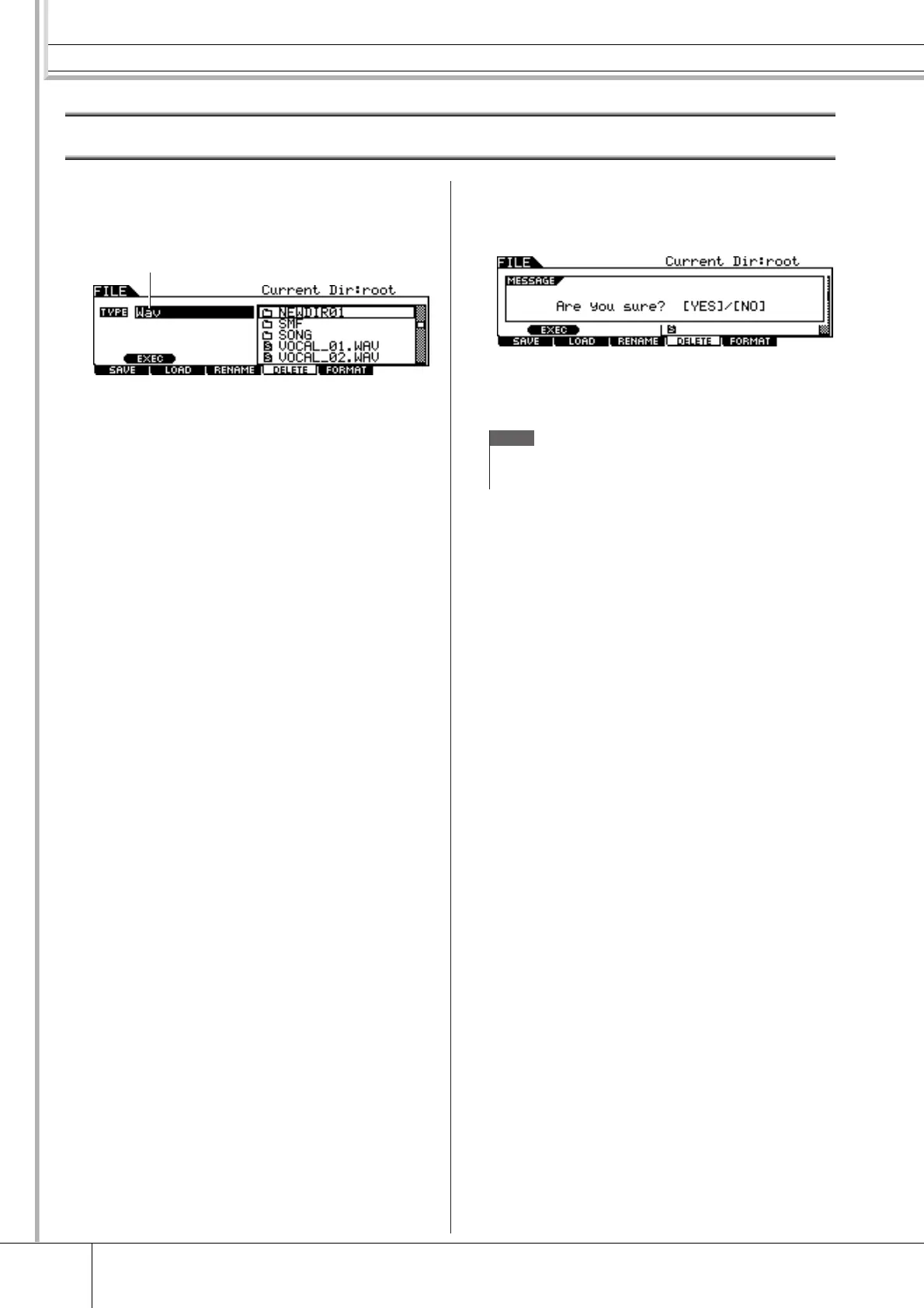
1
Press the [FILE] button to enter the File
mode, then press the [F4] DELETE button
to call up the Delete display.
1 TYPE
Determines the desired File type. For details about File types,
see page 113.
2
Move the cursor to TYPE, then select the
File Type to which the file to be deleted
belongs.
For details about the File type, see page 113.
3
Move the cursor to the Directory/File list
box, then select the file to be deleted.
4
Press the [SF1] EXEC button.
A confirmation message will appear. Press the [DEC/NO] or
[EXIT] button to cancel the Delete operation.
5
Press the [INC/YES] button to execute the
Delete operation.
1
NOTE
• When you wish to delete a directory, delete all the files and folders
contained in the directory beforehand. Please keep in mind that only
directories that contain no files or other nested folders can be deleted.



 To Next Page