Quick Guide
32
DTX900 Owner’s Manual
Playing Along With the Click
Tr y playing the DTX900 along with the click (metronome). The DTX900 is equipped with a high-performance metro-
nome that gives you a comprehensive variety of settings and allows you to create complex rhythms.
Start the Click (Metronome)
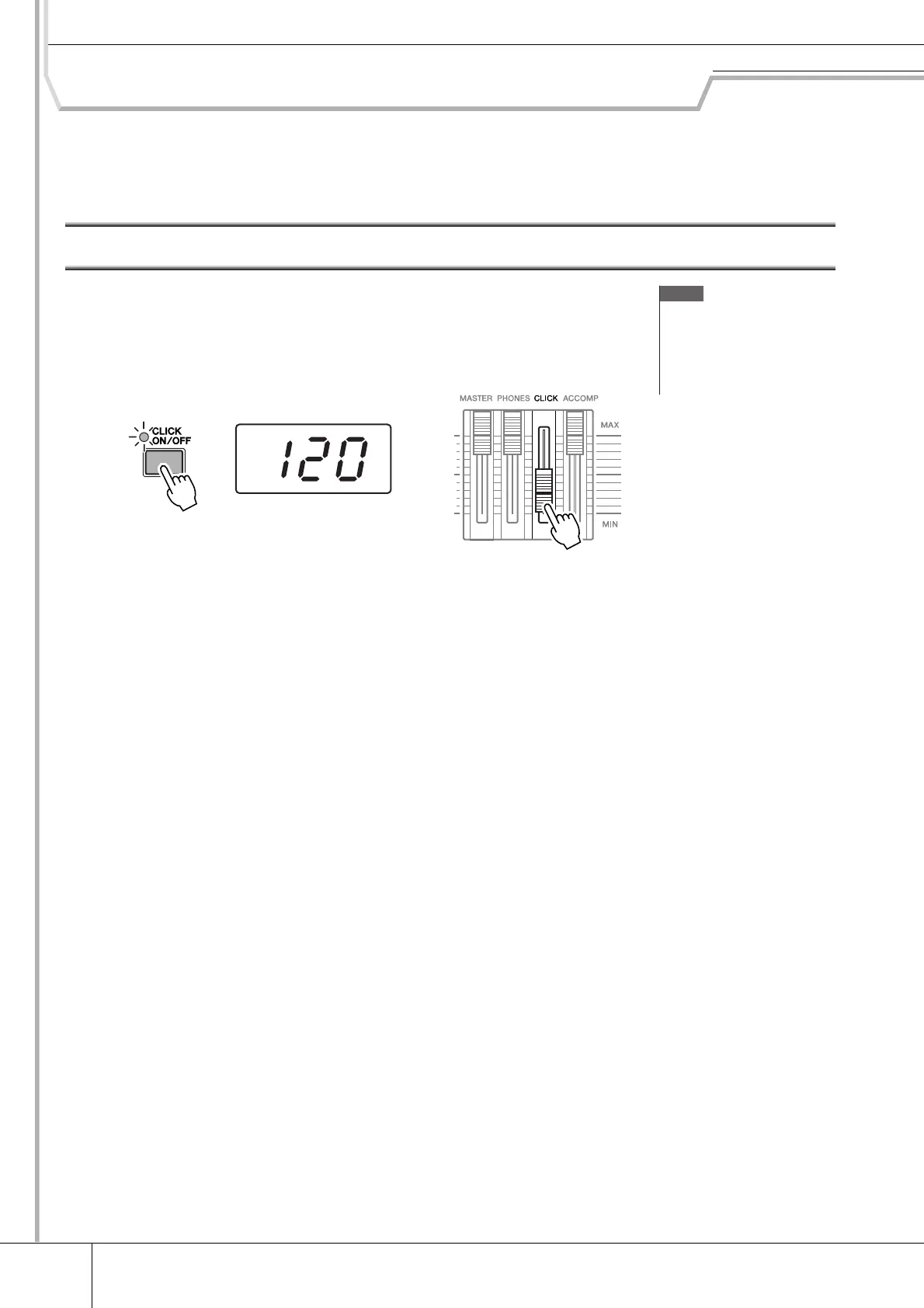
Press the [CLICK ON/OFF] button to start the click sound. The red lamp lights on the first
beat of every measure when the click or a Song is playing. The other beats are indicated with
a green light.
Press the [CLICK ON/OFF] button again to stop.
You can adjust the volume of the click sound by moving the CLICK slider.
NOTE
• The current Tempo value can be
shown on the LED display by set-
ting the LED Display parameter to
“tempo” in the display called up
via [UTILITY]
→
[F1] GENERAL
→
[SF5] OTHER.
Tempo value
Setting the Click volume level
1st beat (red)
Other beats (green)



 To Next Page