PSR-A3000 Owner’s Manual 19
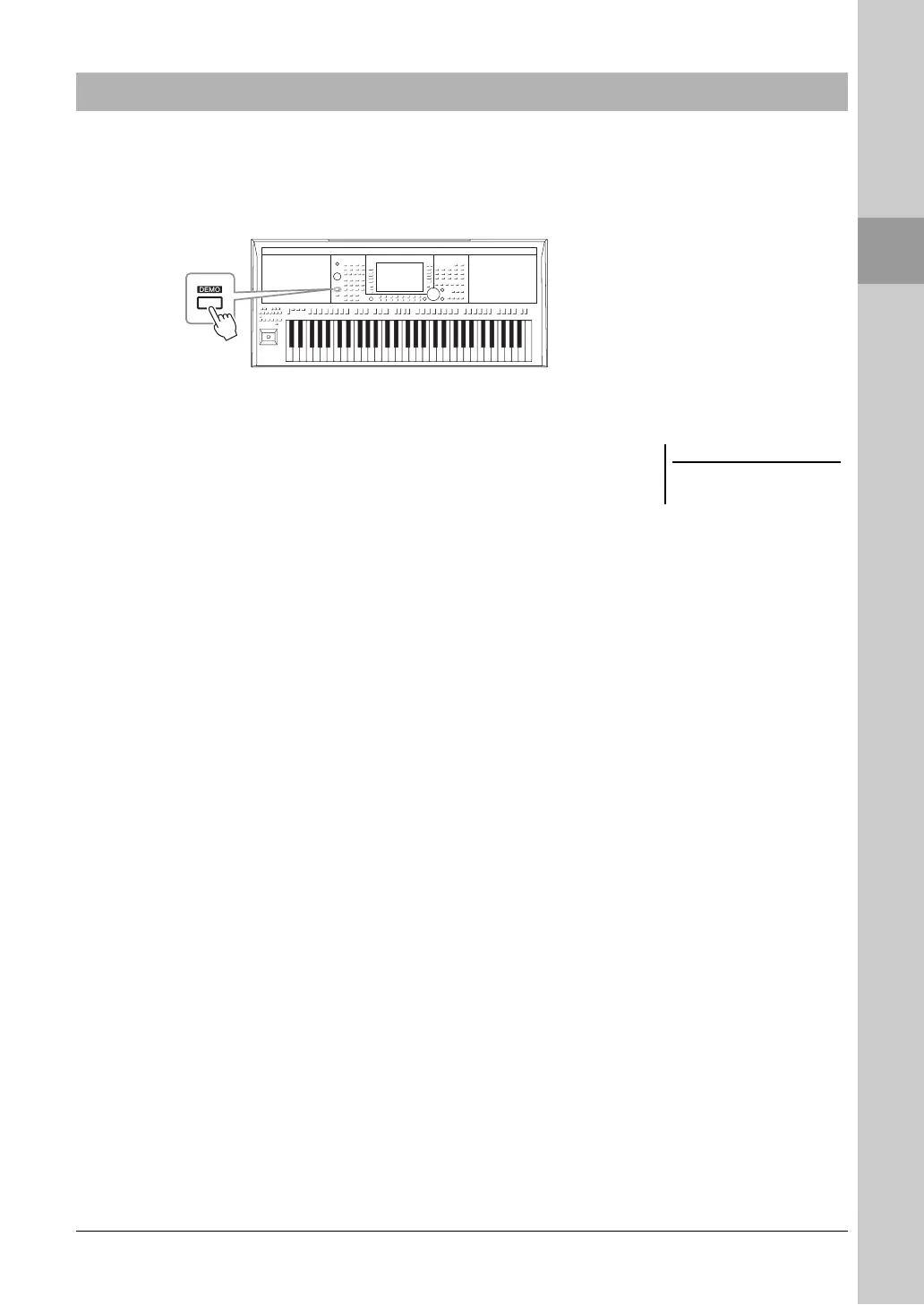
The Demos provide helpful, easy-to-understand introductions to the features and functions as well as dynamic
demonstrations of the high-quality sounds.
1 Press the [DEMO] button to call up the Demo display.
2 Press one of the [A] – [H] buttons to show a specific Demo.
Pressing one of the [I] – [J] buttons plays back the overview Demo
continuously, calling up the various displays in sequence.
Sub menus may be shown on the display. Press one of the [A] – [J] buttons
corresponding to the desired sub menu.
3 Press the [EXIT] button several times to exit from the Demo
display.
Playing the Demos
To return to the higher level menu,
press the [EXIT] button.



 To Next Page
 Loading...