12
CHAPTER2 PROFIBUS Unit
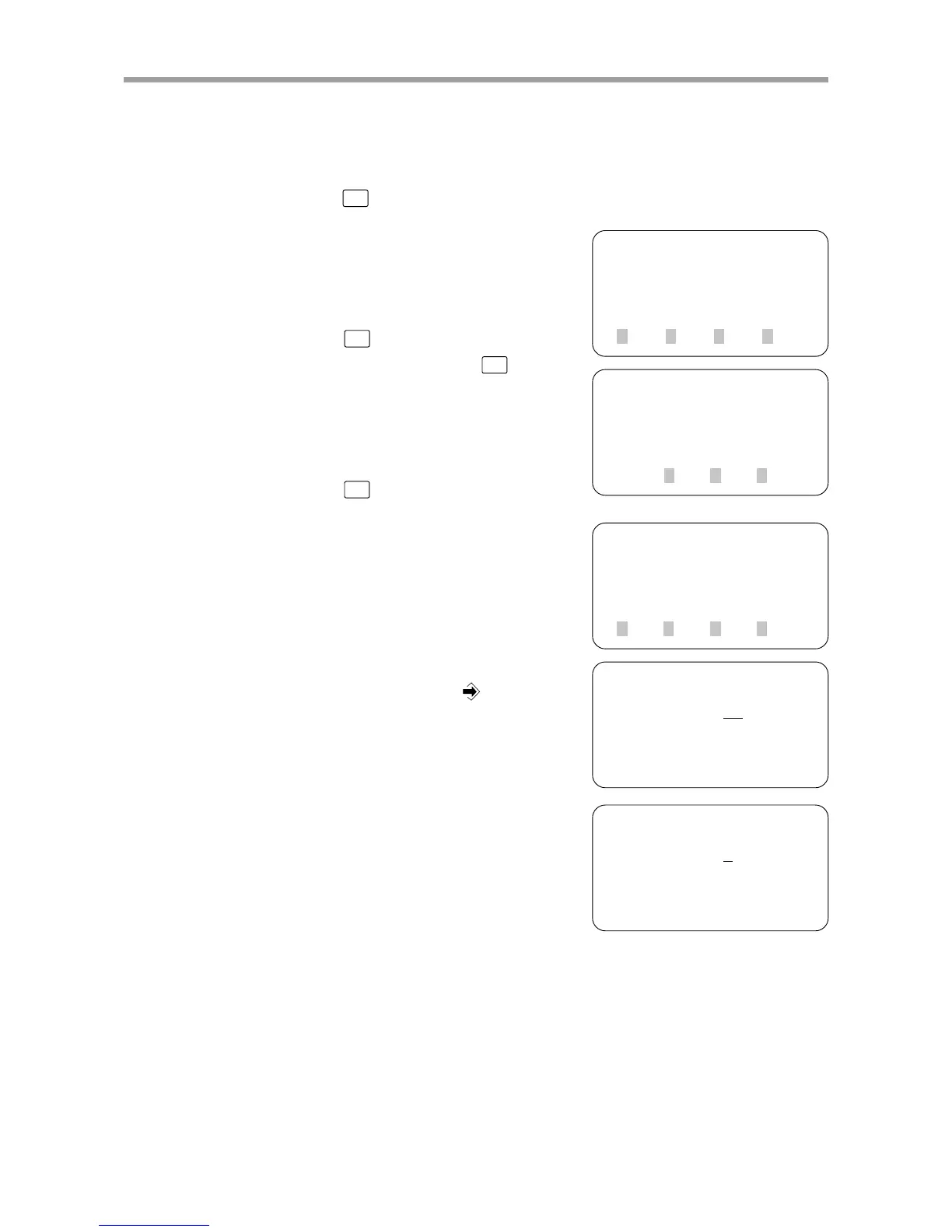
2-5-2 Setting the station address
The station address can be set from 0 to 126.
1) Press
F3
(SYS) on the initial screen.
2) Press
F4
(next) to switch to the func-
tion display and then press
F2
(OPT).
3) Press
F2
(NODE).
4) The currently set station address is dis-
played. To change this setting, enter the
new station address with the number pad
keys, and then press the
key.
5) When entry is finished, the screen returns
to 4).
[MENU]
select menu
1EDIT2OPRT3SYS 4MON
[SYS]
select menu
1SAFE
2OPT 3UTL 4next
[SYS-OPT]
select menu
1DEV 2NODE3SPD 4next
[SYS-OPT-NODE]
address =
30
range 0→126
[SYS-OPT-NODE]
address =
1
range 0→126



 To Next Page