13
CHAPTER2 PROFIBUS Unit
2-5-3 Checking the communication speed
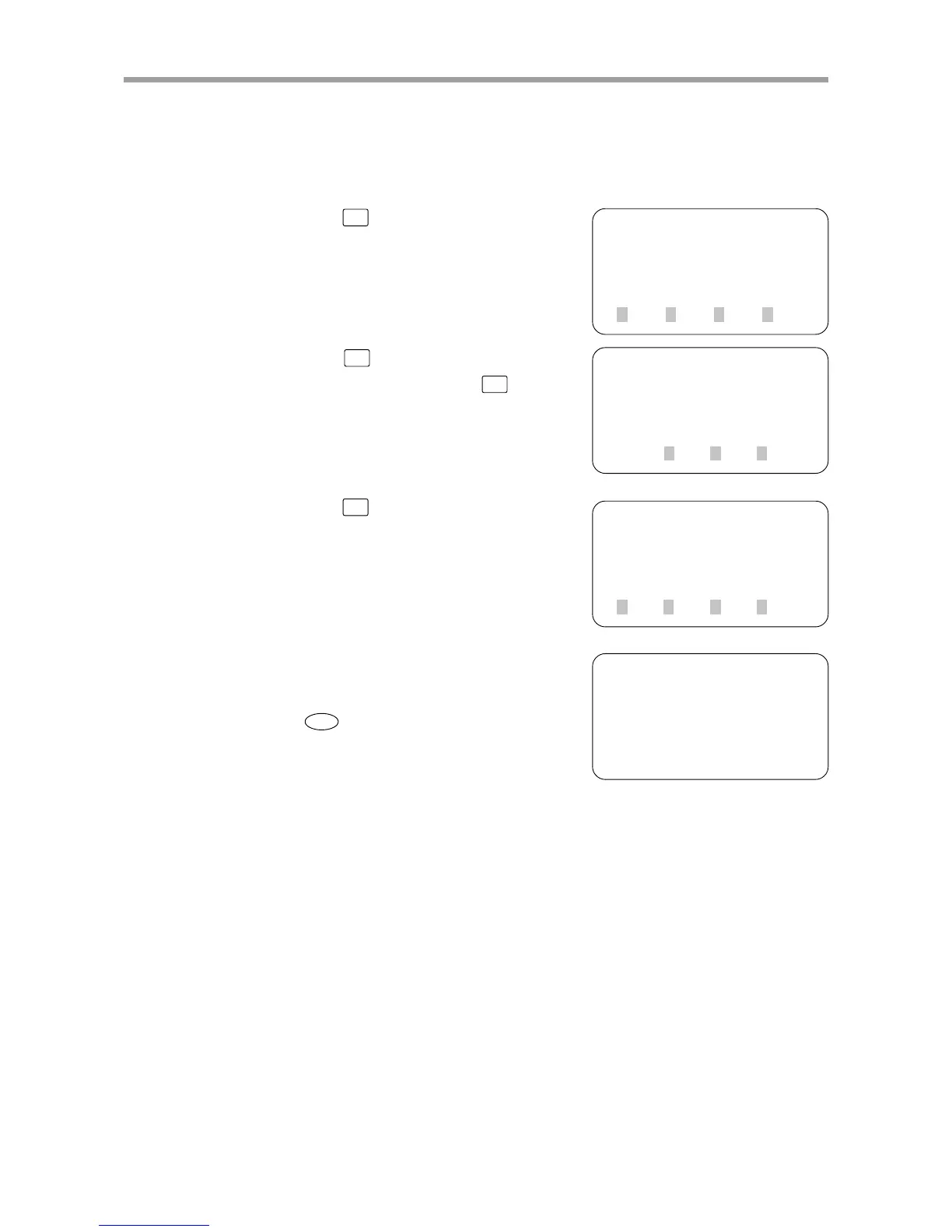
Communication speed is automatically recognized as any of 9.6K, 19.2K, 93.75K, 187.5K,
500K, 1.5M, 3M, 6M and 12M in units of bps.
1) Press
F3
(SYS) on the initial screen.
2) Press
F4
(next) to switch to the func-
tion display and then press
F2
(OPT).
3) Press
F3
(SPD).
4) The currently set communication speed
is displayed.
To return to the previous screen, press the
ESC
key.
[MENU]
select menu
1EDIT2OPRT3SYS 4MON
[SYS]
select menu
1SAFE
2OPT 3UTL 4next
[SYS-OPT]
select menu
1DEV 2NODE3SPD 4next
[SYS-OPT-SPD]
speed = 12M [bps]



 To Next Page