41
CHAPTER2 PROFIBUS Unit
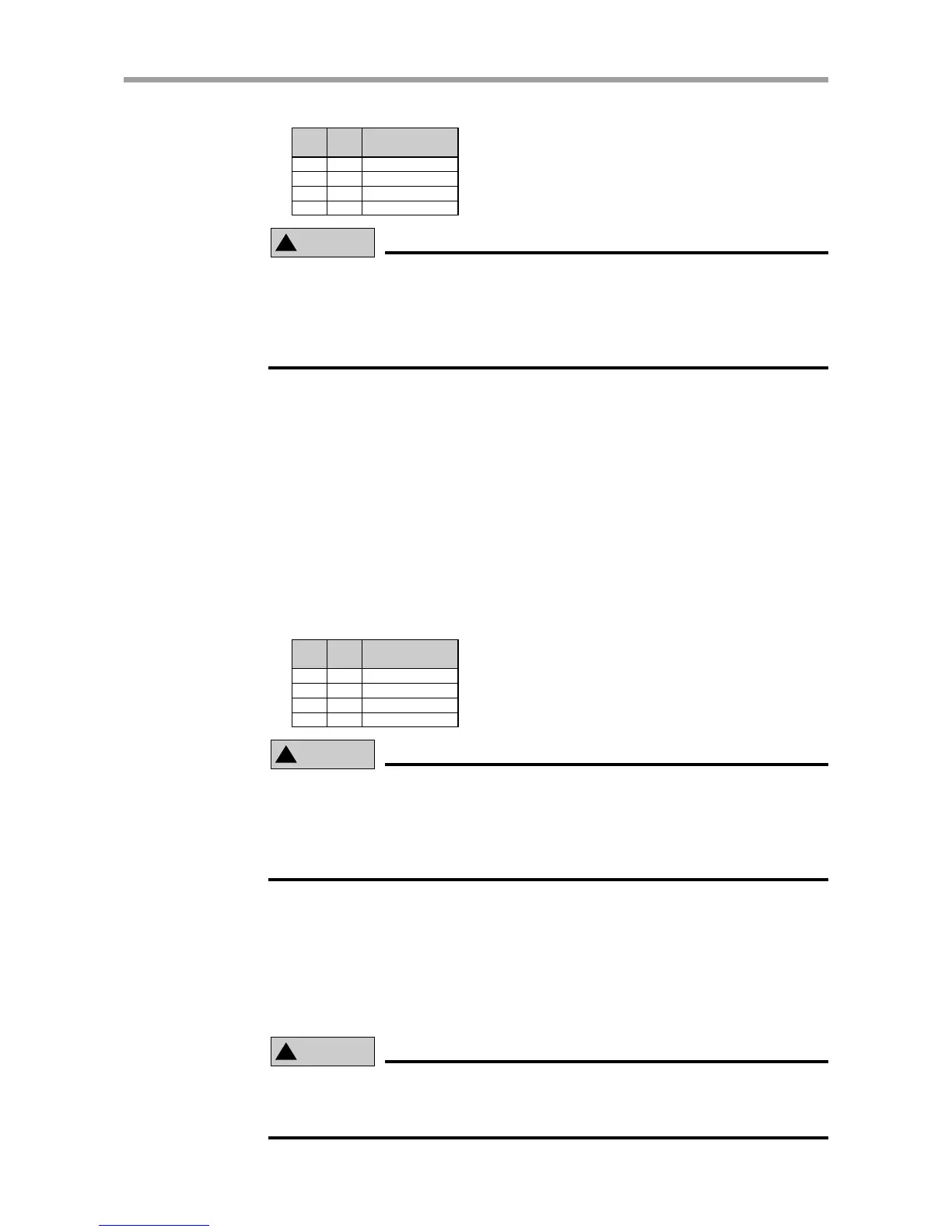
Axis selection example
SI214 SI213
OFF
ON
OFF
ON
JOG+, JOG-
Selected axis
X-axis
X-axis
Y-axis
X-axis
OFF
OFF
ON
ON
!
CAUTION
• If the CHG (mode switch input) signal is switched during jog movement, the
robot comes to an error stop.
•When selecting the axis of a dual-axis controller, the status of SI213 and SI214
must first be determined. (Refer to "Jog movement (JOG+, JOG-)" in "2-9-5
Timing chart".)
■ Jog movement (- direction) command (JOG-)
Moves the robot in jog mode along the - (minus) direction.
The robot moves in jog mode along the - (minus) direction as long as this signal is
on. The movement speed is 100mm/sec.
This speed can be changed by using SPD201 and SPD202. In this case, the move-
ment speed is given by the following equation.
Movement speed [mm/sec] = 100
×
(Movement speed [%] specified with SPD201 and SPD202) / 100
In the case of dual-axis controllers, the X-axis is usually used for jog movement.
However, the Y-axis can be specified with SI213 and SI214 by enabling PRM10
(Control axis selection with I/O command). (Refer to "PRM10: Control axis
selection with I/O command" in the DRCX controller user's manual.)
Axis selection example
SI214 SI213
OFF
ON
OFF
ON
JOG+, JOG-
Selected axis
X-axis
X-axis
Y-axis
X-axis
OFF
OFF
ON
ON
!
CAUTION
• If the CHG (mode switch input) signal is switched during jog movement, the
robot comes to an error stop.
•When selecting the axis of a dual-axis controller, the status of SI213 and SI214
must first be determined. (Refer to "Jog movement (JOG+, JOG-)" in "2-9-5
Timing chart".)
■ Mode switch input (CHG)
Switches the Type 3 (Point teaching type) mode. Selectable modes are as follows.
(1) Point trace mode
(2) Teaching mode
The Type 3 (Point teaching type) mode is switched to "Point trace mode" when the
CHG signal is off, and is switched to "teaching mode" when the CHG signal is on.
!
CAUTION
If the CHG signal is switched during execution of a point movement command
(ABS-PT, INC-PT) or jog movement command (JOG+, JOG-), the robot comes
to an error stop.



 To Next Page