S-Series IP PBX Administrator Guide
104
updates without even asking.
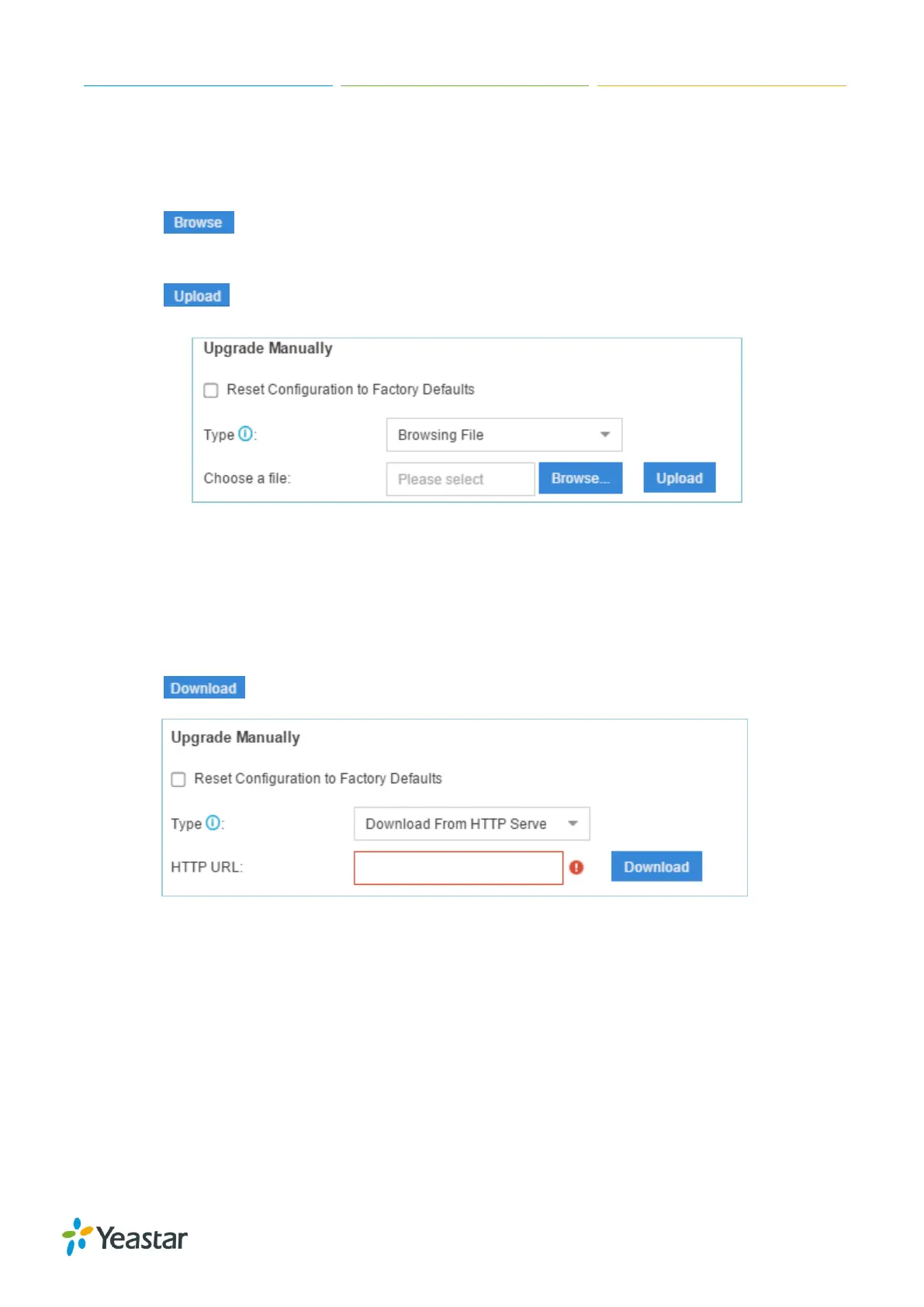
Browsing File from Local PC to Upgrade
1. Choose Type "Browsing File".
2. Click , select the firmware file from your local PC. Note that the file should be a BIN
file.
3. Click to start uploading.
Figure 15-2 Upgrade Manually – Browsing File
Upgrade through HTTP
1. On the Firmware Upgrade page, choose “Download From HTTP Server”.
2. Enter the HTTP URL.
Note: the HTTP URL should be a BIN file download link.
3. Click to start downloading the file from Yeastar HTTP server.
Figure 15-3 Upgrade Manually - HTTP
Upgrade through TFTP
1. Download firmware file from Yeastar website to your local PC.
2. Create a tftp server, here take Tftpd32 for example.
3. Configure tftp server. Click Browse button to select the firmware file upgraded patch.


 To Next Page
 Loading...








