S-Series IP PBX Administrator Guide
108
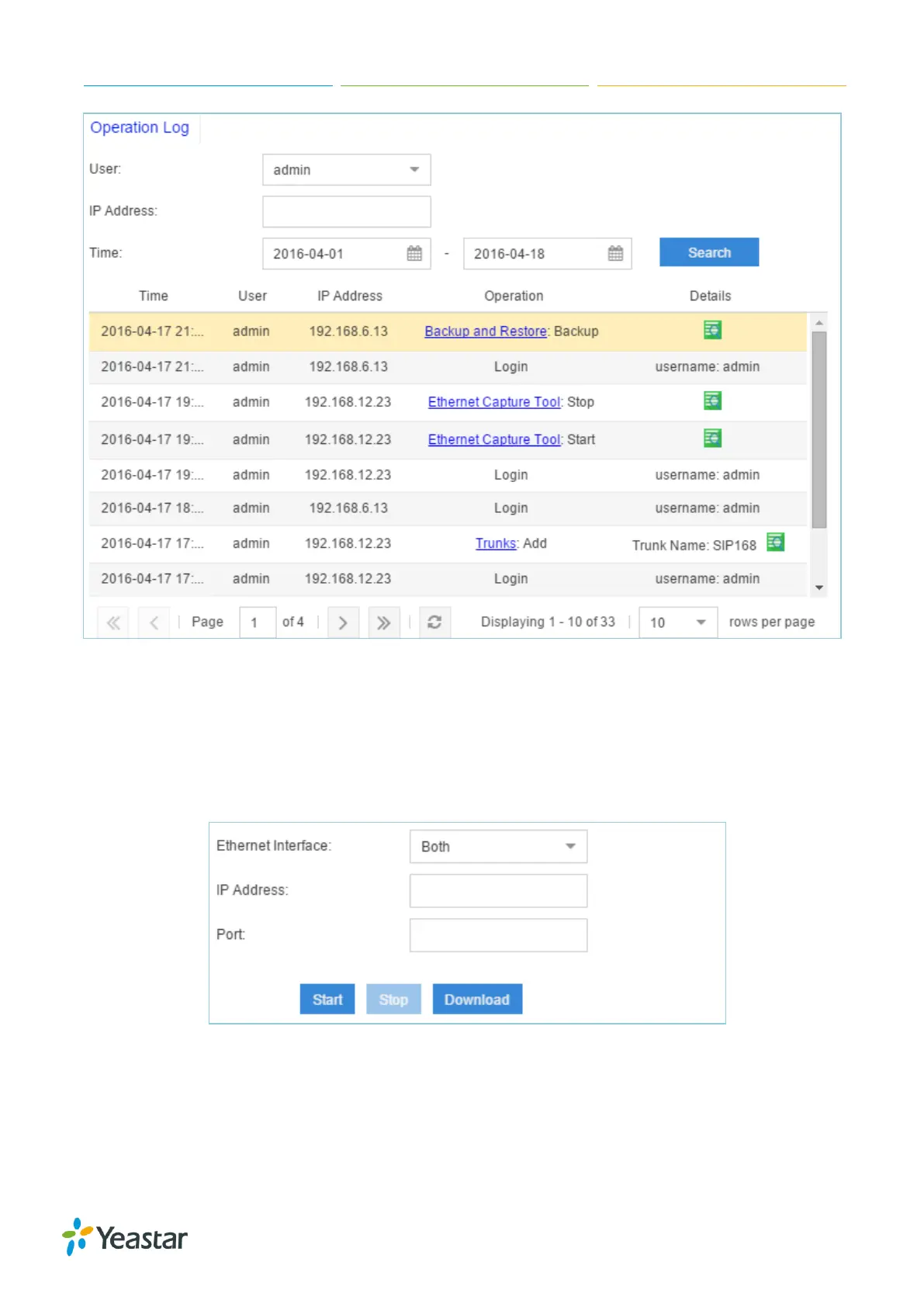
Figure 15-11 Operation Log
Troubleshooting
Yeastar S-Series provides multiple tools on the Web GUI for you to do troubleshooting. Go to
Maintenance > Troubleshooting to check the tools.
Ethernet Capture Tool
Figure 15-12 Ethernet Capture Tool
1. Fill in the target IP address and port.
2. Click Start to start capturing logs.
3. Click Stop to stop capturing.
4. Click Download to download the file to your local PC and analyze it.


 To Next Page
 Loading...








