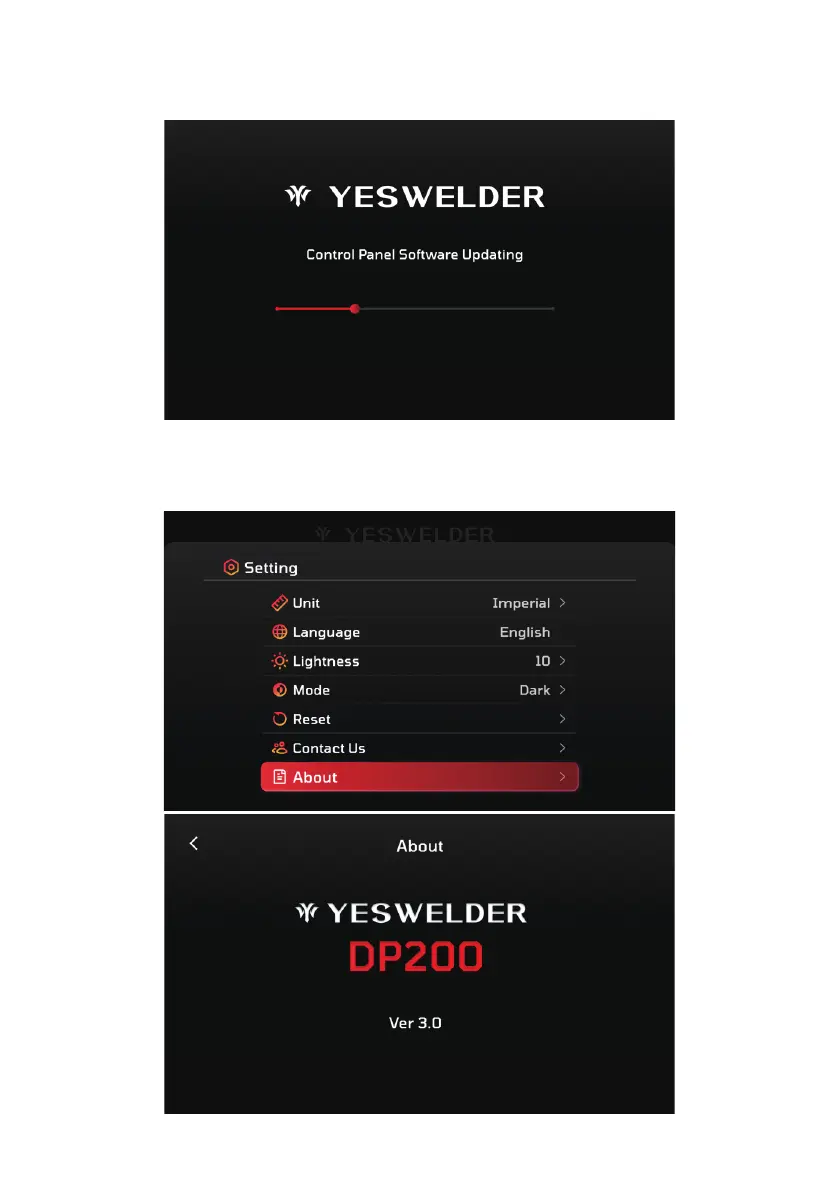
3. Complete the Upgrade
Ÿ The machine will automatically detect the upgrade files on the USB drive, and the screen will display a progress bar. The upgrade
may take approximately 4 minutes.
Ÿ Once the upgrade is complete, turn off the welding machine and remove the USB drive from the USB-C upgrade port.
4. Verify the Upgrade
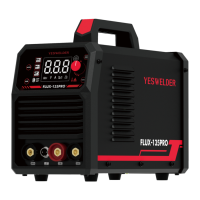
Ÿ After the upgrade is complete, restart the welding machine.
Ÿ Go to the settings section of the machine and check the software version.
Ÿ Confirm that the software has been updated to the latest version.
- 55 -



 To Next Page