OPERATION
ZEISS TFT display touchscreen on the Axio Observer 7, 7 materials Axio Observer
138 431004-7244-001 12/2016
5.11.9.2 Settings -> User
Press the User button in the navigation bar to
access the User page with its five Mode, Buttons
left, Buttons right, Stand type, Language and
Docking Station tabs (7, 7 materials stand only).
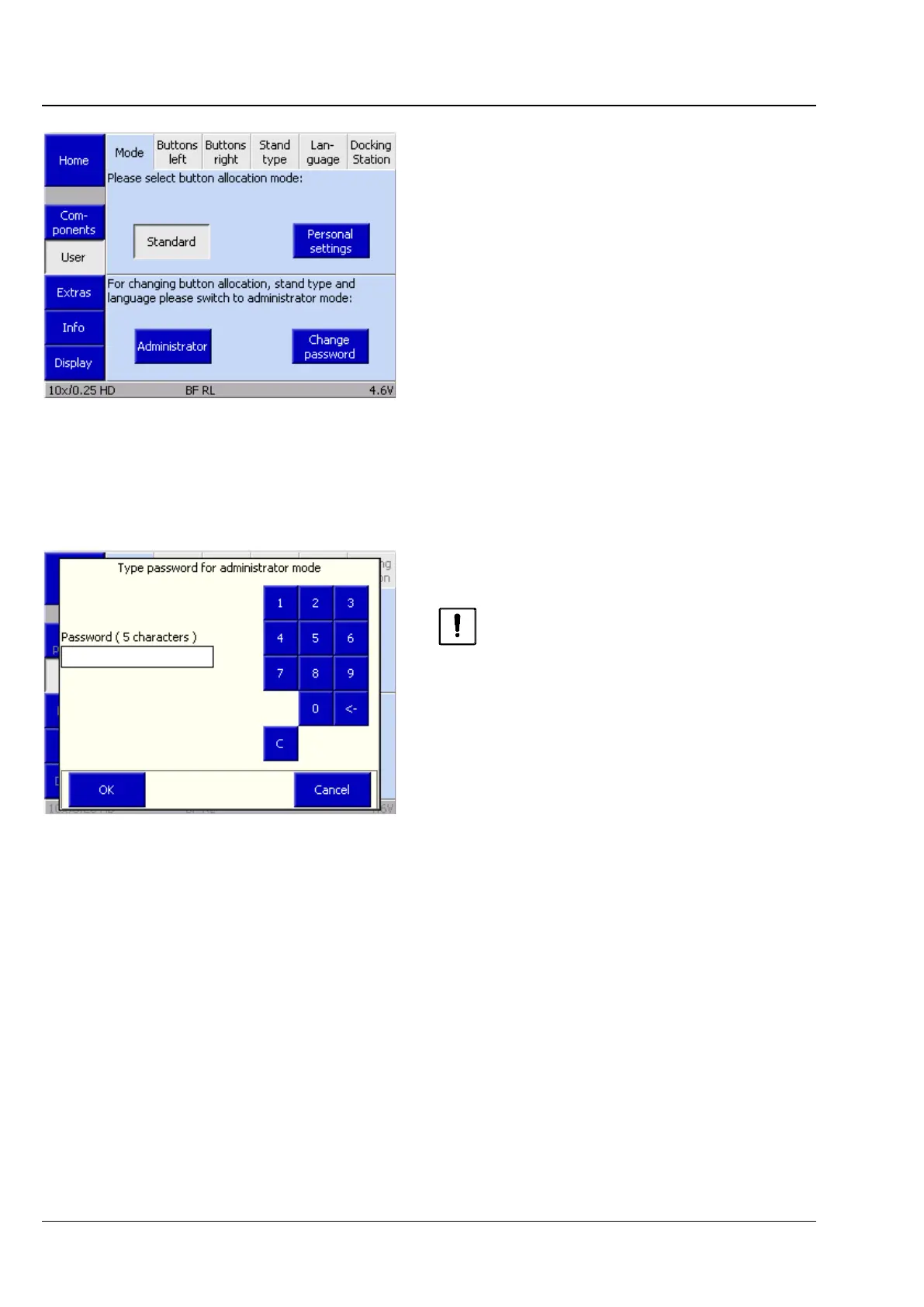
(1) Mode
This tab is used to select between Standard and
Personal settings modes.
In Standard mode, all default functions (factory set)
are active.
In Personal settings mode, administrator defined
settings are active for the following controls:
− five buttons on the Z focus drive, right / left
An administrator password must be entered before
the button configuration can be changed.
Ensure that access to the administrator
password is restricted.
The factory-set password is "12345".
Fig. 134 Settings -> User -> Mode page
Fig. 135 Settings -> User -> type password
for administrator mode page








 To Next Page