INSTALLATION INSTRUCTIONS AND FIRST-TIME SET-UP
Axio Observer Unpacking and installing the microscope ZEISS
12/2016 431004-7244-001 37
4.3 Unpacking and installing the microscope
The basic instrument is delivered packed to commercial standards in a polyethylene case with cardboard
packaging.
The package includes the stand, binocular tube, objectives, eyepieces, condenser, microLED or halogen
illuminator, fluorescence illuminator and a number of small components such as filter sliders and
diaphragm sliders, DIC slider, dust cover and tools.
Further optional accessories are supplied in a separate case.
• Remove all components from the packaging
and check that all components described on the
delivery note are present.
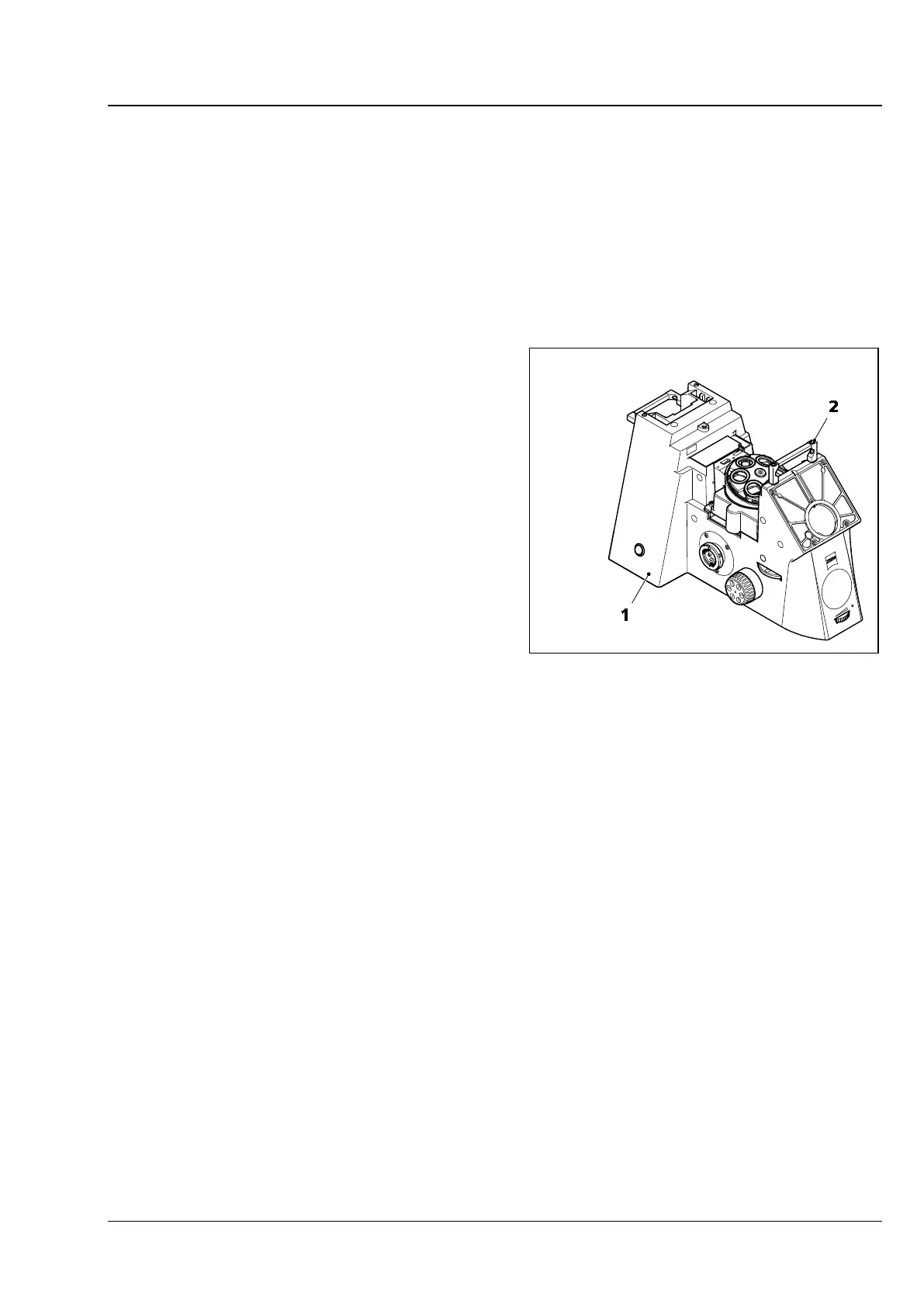
• Place the stand (Fig. 13/1) on a flat, low-
vibration work surface.
• Dispose of the original packaging properly or
keep it for storage during prolonged non-use of
the instrument or for its return to the
manufacturer for repair.
• Unscrew and remove the transport handle
(Fig. 13/2) using the 4 mm Allen key.
Fig. 13 Installing the microscope








 To Next Page