GETTING TO KNOW YOUR "iV
ON/OFF TIMER
NOTE: ON/OFF TIMER cannot be accessed until the
clock is set.
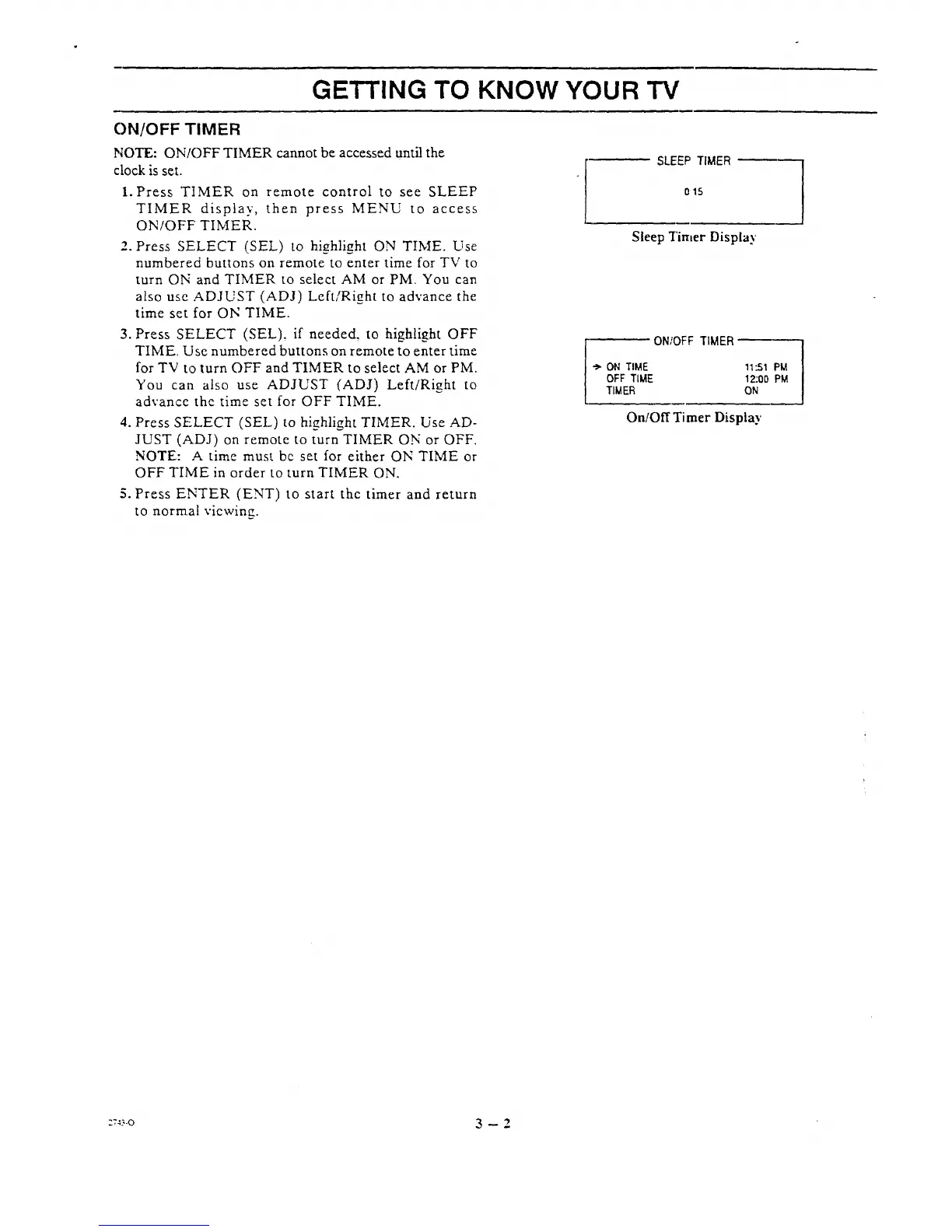
1. Press TIMER on remote control to see SLEEP
TIMER display, then press MENU to access
ON/OFF TIMER.
2. Press SELECT (SEL) to hi_hli_ht ON TIME. Use
numbered buttons on remote to enter time for TV to
turn ON and TIMER to select AM or PM. You can
also use ADJUST (ADJ) Left/Right to advance the
time set for ON TIME.
3. Press SELECT (SEL), if needed, to highlight OFF
TIME Use numbered buttons on remote to enter time
for TV to turn OFF and TIMER to select AM or PM.
You can also use ADJUST (ADJ) Left/Right to
advance the time set for OFF TIME.
4. Press SELECT (SEL) to highlight TIMER. Use AD-
JUST (ADJ) on remote to turn TIMER ON or OFF.
NOTE: A time must be set for either ON TIME or
OFF TIME in order to turn TIMER ON.
5. Press ENTER (ENT) to start the timer and return
to norma! viewing.
SLEEP TIMER
o15
Sleep Tinker Display
ON;OFF TIMER
ON TIME
OFF TIME
TIMER
11:51 PM
12:00 PM
ON
On/Off Timer Display
::_-o 3 -- 2




 To Next Page