THE FIRST TIME YOU OPERATE YOUR TV
STEP 4. SET THE CLOCK
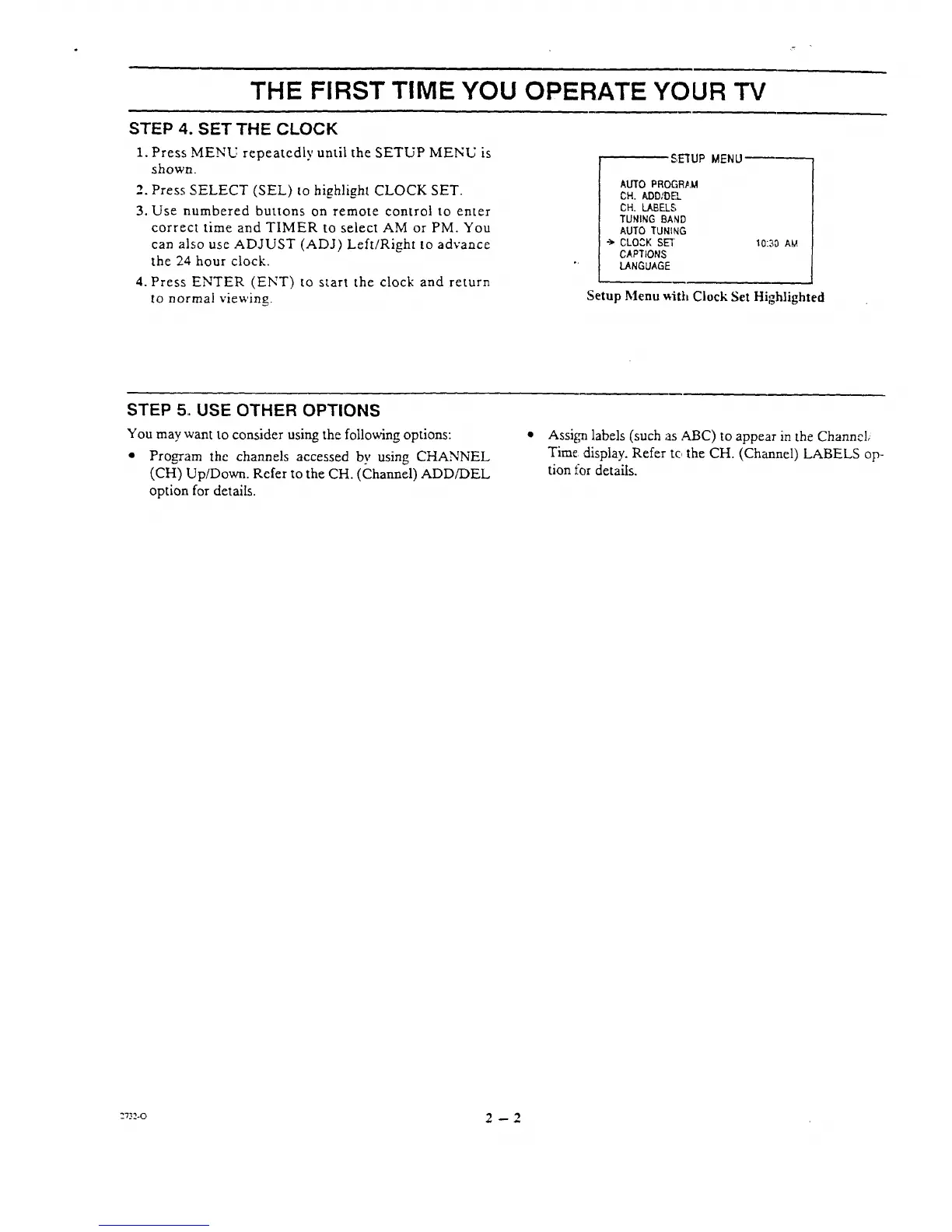
1. Press MENU repeatedly until the SETUP MENU is
shown.
2. Press SELECT (SEL) to highlight CLOCK SET.
3. Use numbered buttons on remote control to enter
correct time and TIMER to select AM or PM. You
can also use ADJUST (ADJ) Left/Right to advance
the 24 hour clock.
4. Press ENTER (ENT) to start the clock and return
to normal viewing.
_€;E'I'UPMENU
AUTO PROGRLM
CH. ADD/DEL
CH. LABELS
TUNING BAND
AUTO TUNING
-_ CLO3K SEl
CAPTIONS
LANGUAGE
10:30 AM
Setup Menu _ith Clock Set Highlighted
STEP 5. USE OTHER OPTIONS
You may want to consider using the following options:
• Program the channels accessed bv using CHANNEL
(CH) Up/Down. Refer to the CH. (Channel) ADDfDEL
option for details.
• Assi_71labels (such ;asABC) to appear in the Channel,
Time ,display. Refer to the CH. (Channel) LABELS op-
tion for details.
:7_.o 2 -- 2




 To Next Page