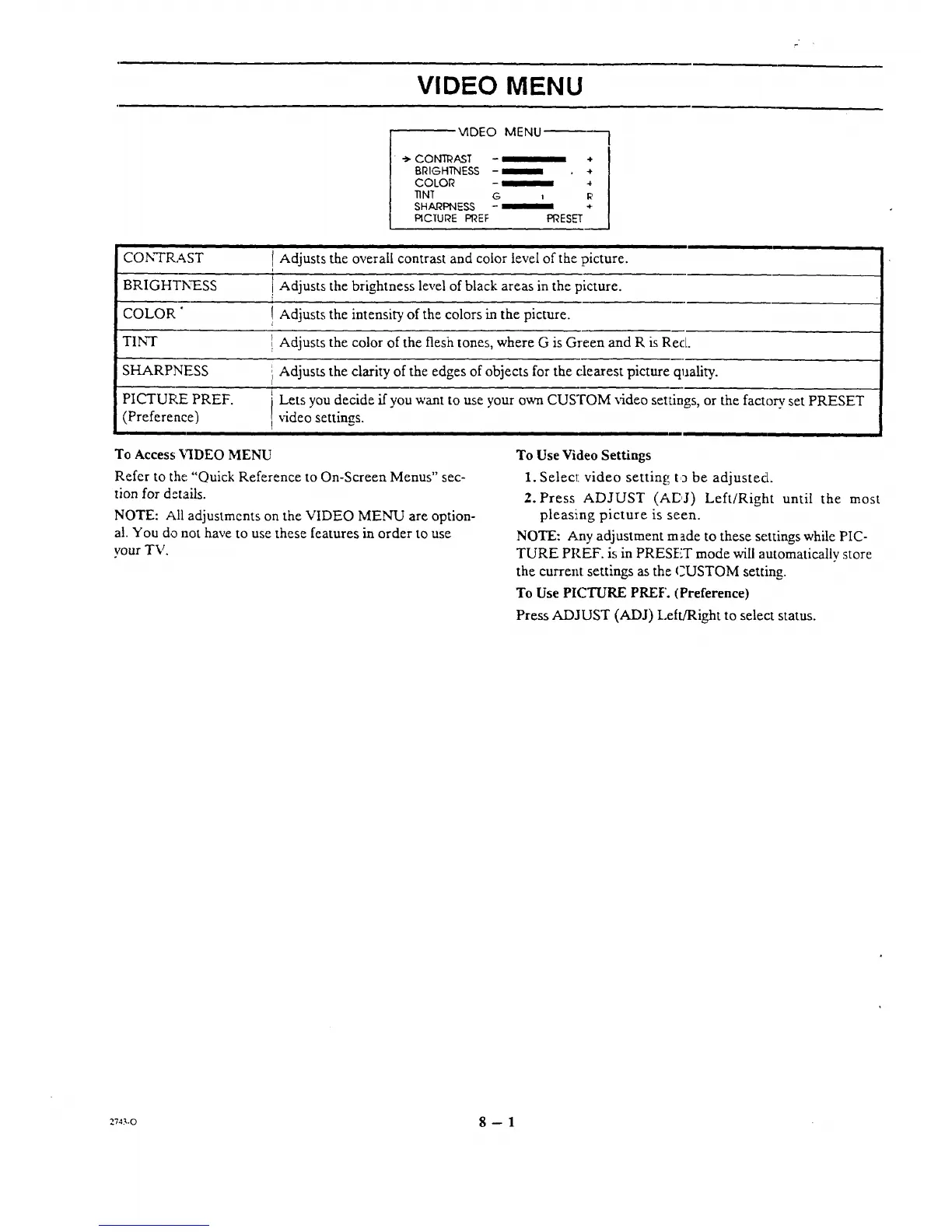
VIDEO MENU
VIDEO MENU
-_ CON_AST - *
BRIGHTNESS - _ e
COLOR - _ 4
TINT G , I_!
SHARPNESS - _ *.
PICTURE PI'_EF PRESET
CONTRAST
BRIGHTN_ESS
COLOR "
TINT
i| i i
1Adjusts the overall contrast and color level of the picture.
i
I Adjusts the brightness level of black areas in the picture.
! Adjusts the intensity of the colors in the picture.
! Adjusts the color of the flesh tones, where G is Green and R is Red.
SHARPNESS
PICTURE PREF.
(Preference)
i Adjusts the clarity of the edges of objects for the clearest picture quality.
i Lets you decide if you want to use your own CUSTOM video settings, or the factory set PRESET
i video settings.
i i ii Ill=
To Access "_IDEO MENU
Refer to the "Quick Reference to On-Screen Menus" sec-
tion for details.
NOTE: All adjustments on the VIDEO MEN-U are option-
a!. You do not have to use these features in order to use
your TV.
To Use Video Settings
1. Select video setting to be adjusted.
2. Press ADJUST (AEJ) Left/Right until the most
pleasing picture is seen.
NOTE: Any adjustment made to these settings while PIC-
TURE PREF. is in PRESET mode will automatically store
the current settings as the CUSTOM setting.
To Use PICTURE PREF. (Preference)
Press ADJUST (ADJ) Left/Right to select status.
_743.o 8 -- 1




 To Next Page