SETUP MENU
AUTO TUNING
Purpose
Lets your TV compensate for variations in broadcast and
cable-TV frequencies.
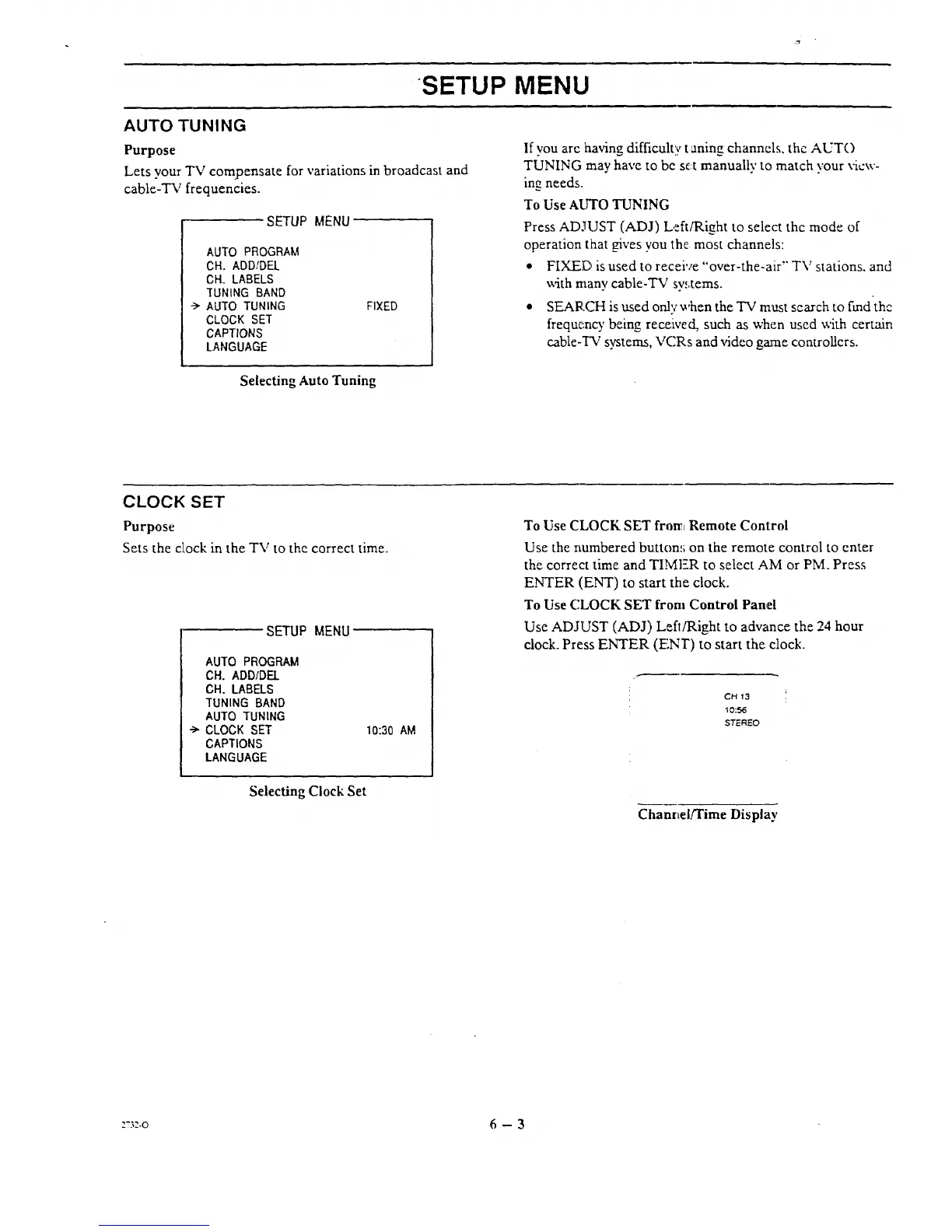
SETUP MENU
AUTO PROGRAM
CH. ADD/DEL
CH. LABELS
TUNING BAND
--> AUTO TUNING
CLOCK SET
CAPTIONS
LANGUAGE
FIXED
Ifyou are having difficulty t aning channels, the AUTO
TUNING may have to be se:t manually to match your view-
ing needs.
To Use AUTO TUNING
Press ADJUST (ADJ) Left/Right to select the mode of
operation [hat Oves you the most channels:
• FIXED is used to receive "over-the-air" TV stations, and
with many cable-TV sy,,tems.
• SEARCH is used only when the TV must search to fred-the
frequc:r,cy being rece!ived, such as when used with certain
cable-TV systems, VCRs and video game controllers.
Selecting Auto Tuning
CLOCK SET
Purpose
Sets the clock in the TV to the correct time.
SETUP MENU
AUTO PROGRAM
CH. ADD/DEL
CH. LABELS
TUNING BAND
AUTO TUNING
•-> CLOCK SET
CAPTIONS
LANGUAGE
10:30 AM
Selecting Clock Set
To Use CLOCK SET from Remote Control
Use the numbered button_; on the remote control to enter
the correct time and TIMI=R to select AM or PM. Press
ENTER (ENT) to start the clock.
To Use CLOCK SET from Control Panel
Use ADJUST (ADJ) Left/Right to advance the 24 hour
clock. Press ENTER (F!NT) to start the clock.
CH '13
10:56
STEREO
ChanrLel!Time Display
z?3z-o 6 - 3




 To Next Page