UNItivity 5000 Hub and Module LEDs
User Manual
Copyright © 2022 Zinwave. All rights reserved. 3-12
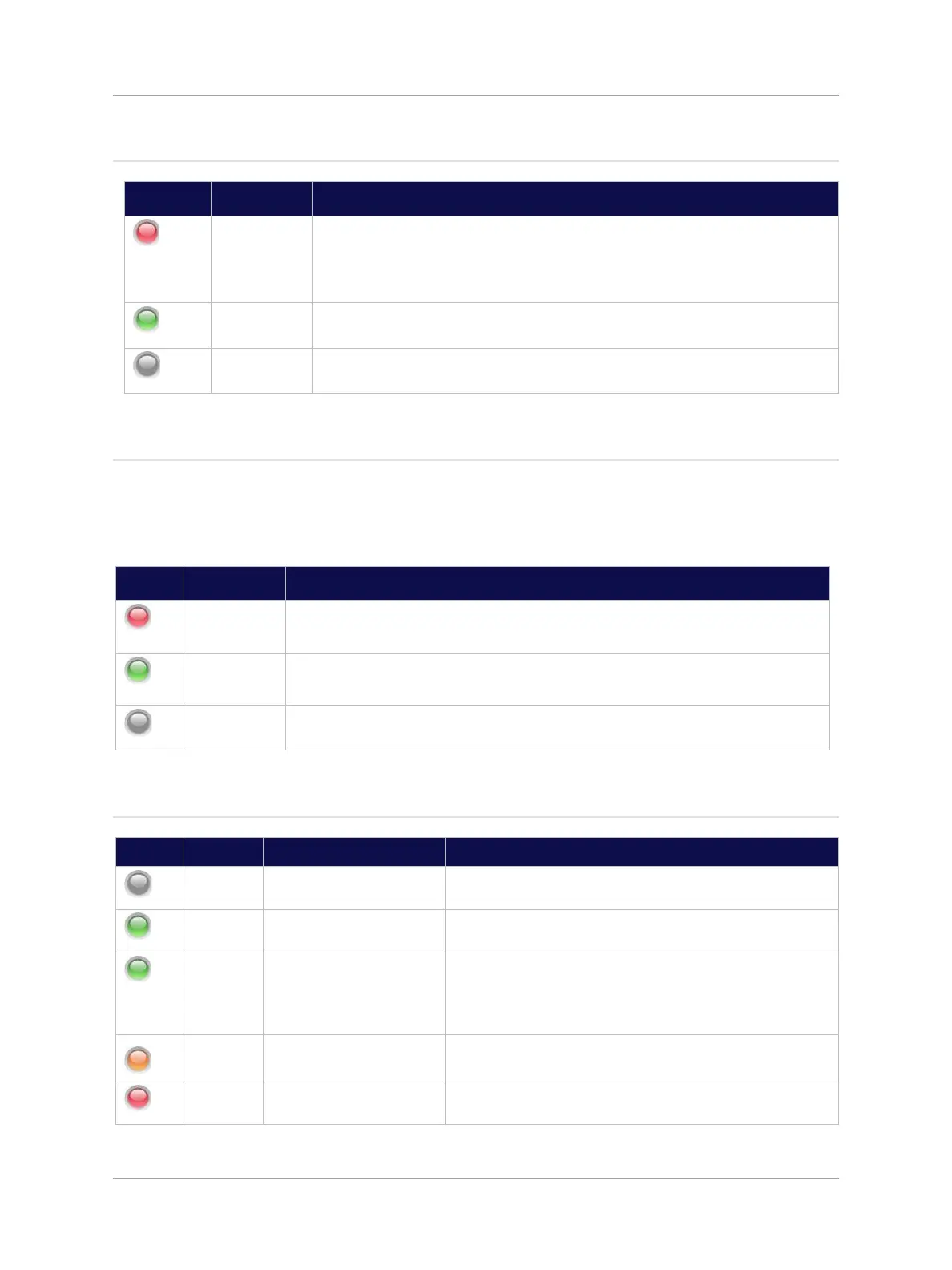
3.3.1 Power LED—Right
Initial power-up. Power present on Hub allowing Module detection to
proceed; or
Module NOT Enabled through System Setup; or
Module not inserted in valid Hub slot.
Module in normal operation. Ready for use (Power to module).
3.3.2 Communications—Middle
Once plugged in, the Optical or Transport Module attempts to establish communication with the far end.
Service Modules do not communicate with Remote Units or other Hubs; therefore, the Communications
LED is deactivated for Service Modules.
3.3.3 Status—Left
Optical / Transport Module
Module is not powered, or optical calibration and auto-
setup of downstream units not yet completed.
Optical / Transport Module and all downstream system
elements operating normally.
Optical link calibration and auto-setup of downstream units
in progress; and/or
One or more downstream Remote Units have their radio
transceivers disabled.
RF Path Calibration or RF System Check in progress
Optical calibration and auto-setup Error – For Possible
causes refer to “System Status” page on GUI
Optical / Transport Module Description
No successful communication with any downstream system elements after initial
attempts.
Module in normal operation. Communication established with at least one
downstream system element.
Module is not powered or has not yet completed initial attempts to communicate
with downstream system elements.


 To Next Page