UNItivity 5000 Installing and Populating Hubs
User Manual
Copyright © 2022 Zinwave. All rights reserved. 5-8
5.6 Powering the Secondary Hub
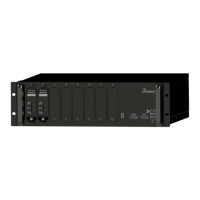
The Secondary Hub has an IEC AC power socket in the front; the cord is country-specific.
CAUTION :
DOUBLE POLE/NEUTRAL FUSING
The Power Supply Module in the Secondary Hub 305-0004 and 306-0004 has multiple sources and
may include a fuse in the Neutral AC connection. After operation of the fuse, parts of the equipment
that remain energized might represent a hazard during servicing.
To Power on the Secondary Hub:
1. Plug the AC power cord into the front of the Secondary Hub and into an AC power outlet.
2. Verify the LED status shows correct start up sequence (Flashing red, flashing green, stable
green) and the equipment is ready for operation.


 To Next Page