UNItivity 5000 Installing and Populating Hubs
User Manual
Copyright © 2022 Zinwave. All rights reserved. 5-1
5 Installing and Populating Hubs
This chapter describes how to install insert modules into Primary and Secondary Hubs.
5.1 Installing the Hub
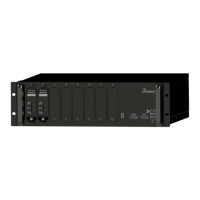
You can mount a Primary or Secondary Hub in a standard 19" (48.26cm) rack or an open frame rack.
There are many 19" rack systems available on the market of various depths. It is essential that the
weight of the Hub is supported at the front and back. If the Hub is not adequately supported in your
rack, you must provide support items, such as front-to-rear chassis runners (rails) or fully supported
shelves. This manual provides instructions to mount a Hub in a rack using the only items supplied in
the mounting kit.
5.1.1 Mounting Kit
Each Hub is delivered with an accessory box of parts used for rack mounting. This box contains the
following parts:


 To Next Page