Notus User Manual
Page | 26 Copyright©2021 ZKTECO CO., LTD. All rights reserved.
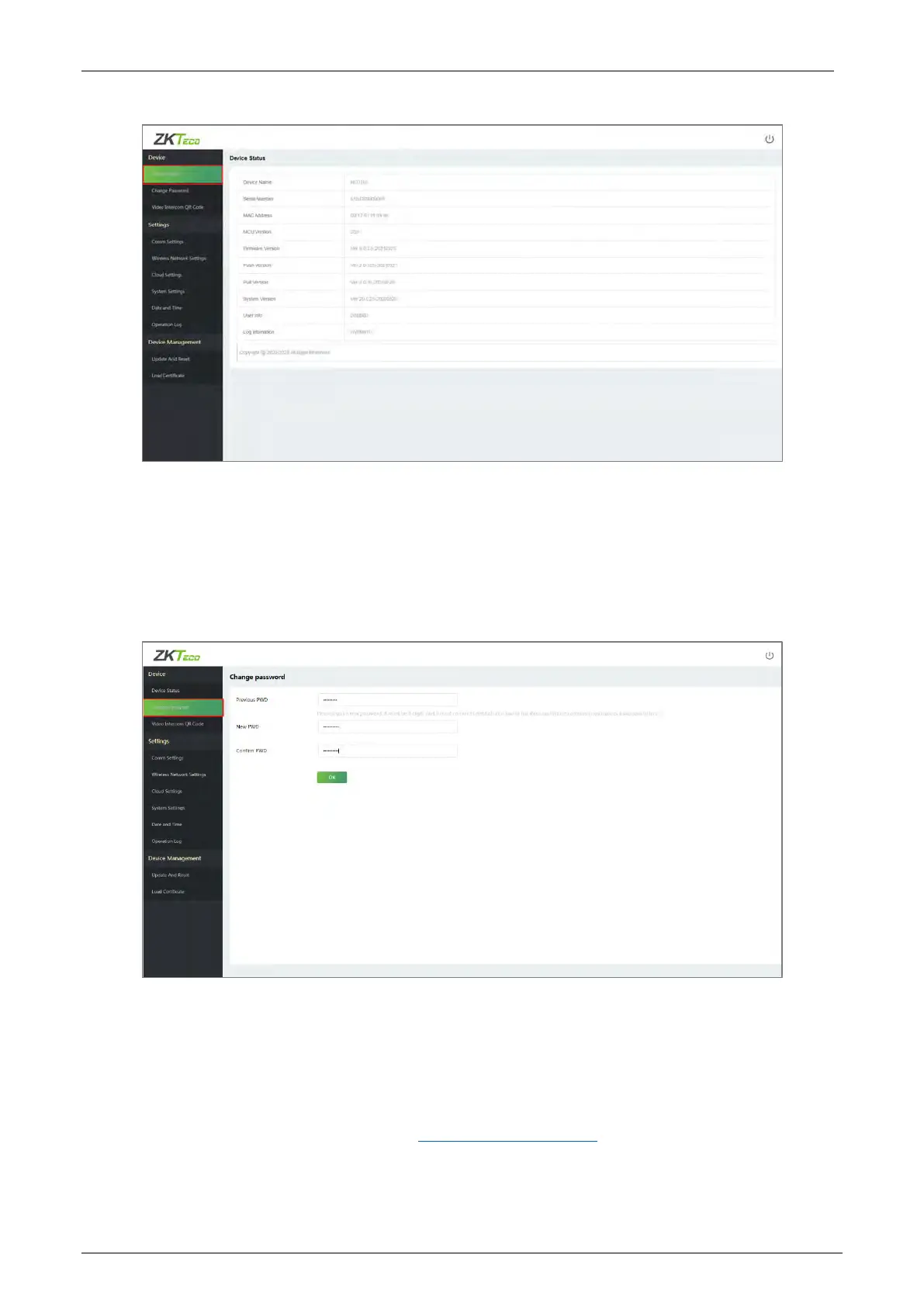
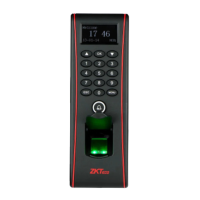
Change Password 5.2.2
Click [Change Password] to modify the user password.
Enter your Previous password, New password and Confirm the password, then click OK.
Video Intercom QR Code 5.2.3
Click [Video Intercom QR Code] and scan the QR code through your phone, and then download and
install the ZSmart App. If you have installed the APP, you can scan the QR code to bind the device.
The process has been clearly explained in "3 Connect to ZSmart App
".


 To Next Page