ZMC420SCAN Motion Controller Hardware Manual V1.5
(2) After powered on, please use any one interface among the three interfaces ETHERNET,
RS232 (there is default parameter, which can be connected directly) and RS485 (there
is default parameter, which can be connected directly, but for hardware, adapter head
is needed) to connect to ZDevelop.
(3) Please use the "ADDRESS" and "SETCOM" commands to set and view the protocol
station number and configured parameters, see "ZBasic Programming Manual" for
details.
(4) According to their respectively instructions, correctly set the relevant parameters of
the third-party equipment to match the parameters of each node.
(5) When all is configured, it can start to do communicating.
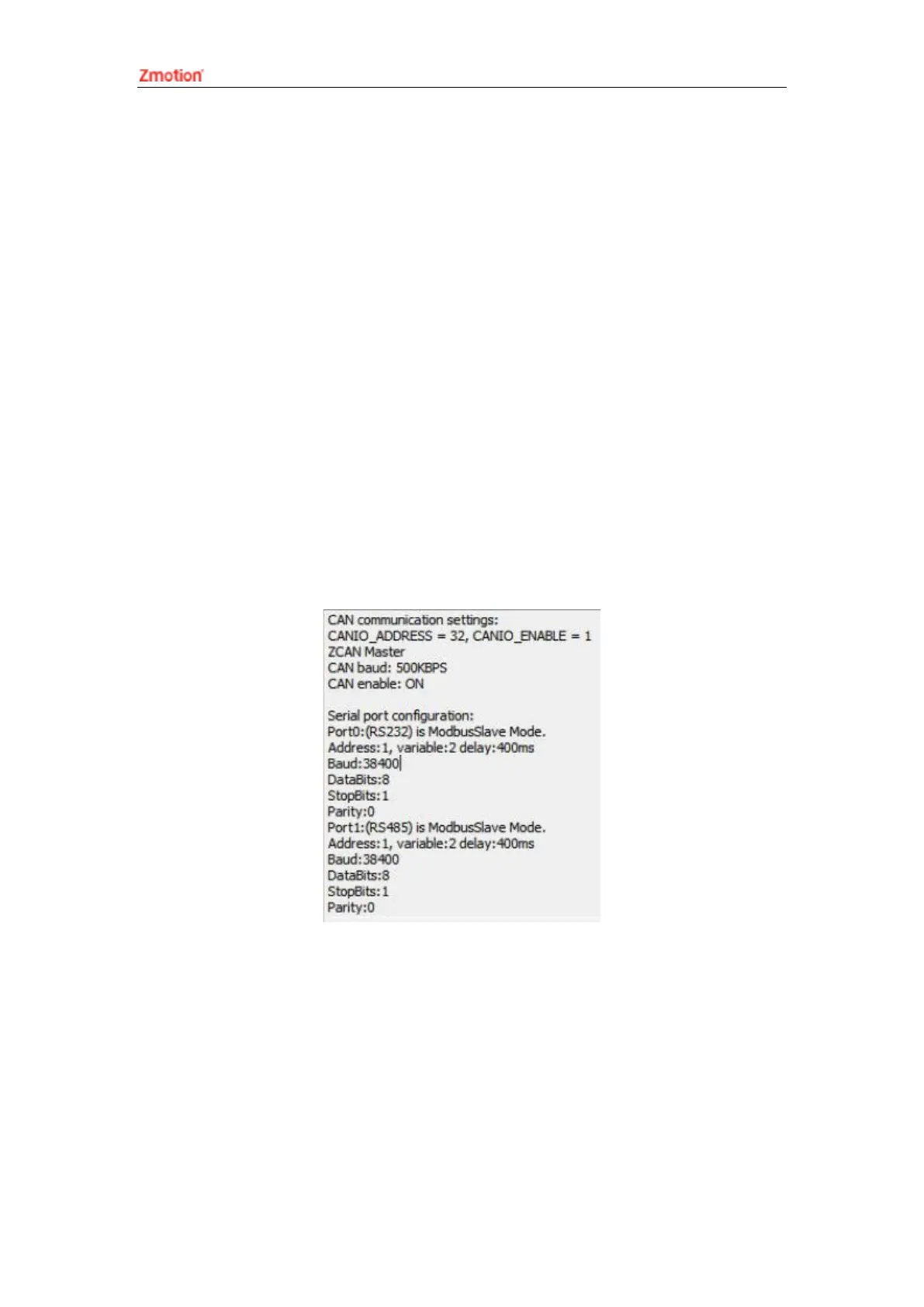
(6) Communication data of RS232 / RS485 can be directly viewed through “ZDevelop /
Controller / State the Controller / CommunicationInfo”.
3.4. IN Digital Input & High-Speed Latch Port & Single-
ended Encoder
The digital input adopts 3 groups of 10Pin (there are 3 groups of 10 terminals) screw-
type pluggable terminals, and the gap distance between terminals should be 3.81mm. In



 To Next Page