ZMC420SCAN Motion Controller Hardware Manual V1.5
3.6.2. Basic Usage Method
(1) Please follow the above wiring instructions to wiring correctly.
(2) After powered on, please use any one interface among the three interfaces ETHERNET,
RS232 and RS485 to connect to ZDevelop.
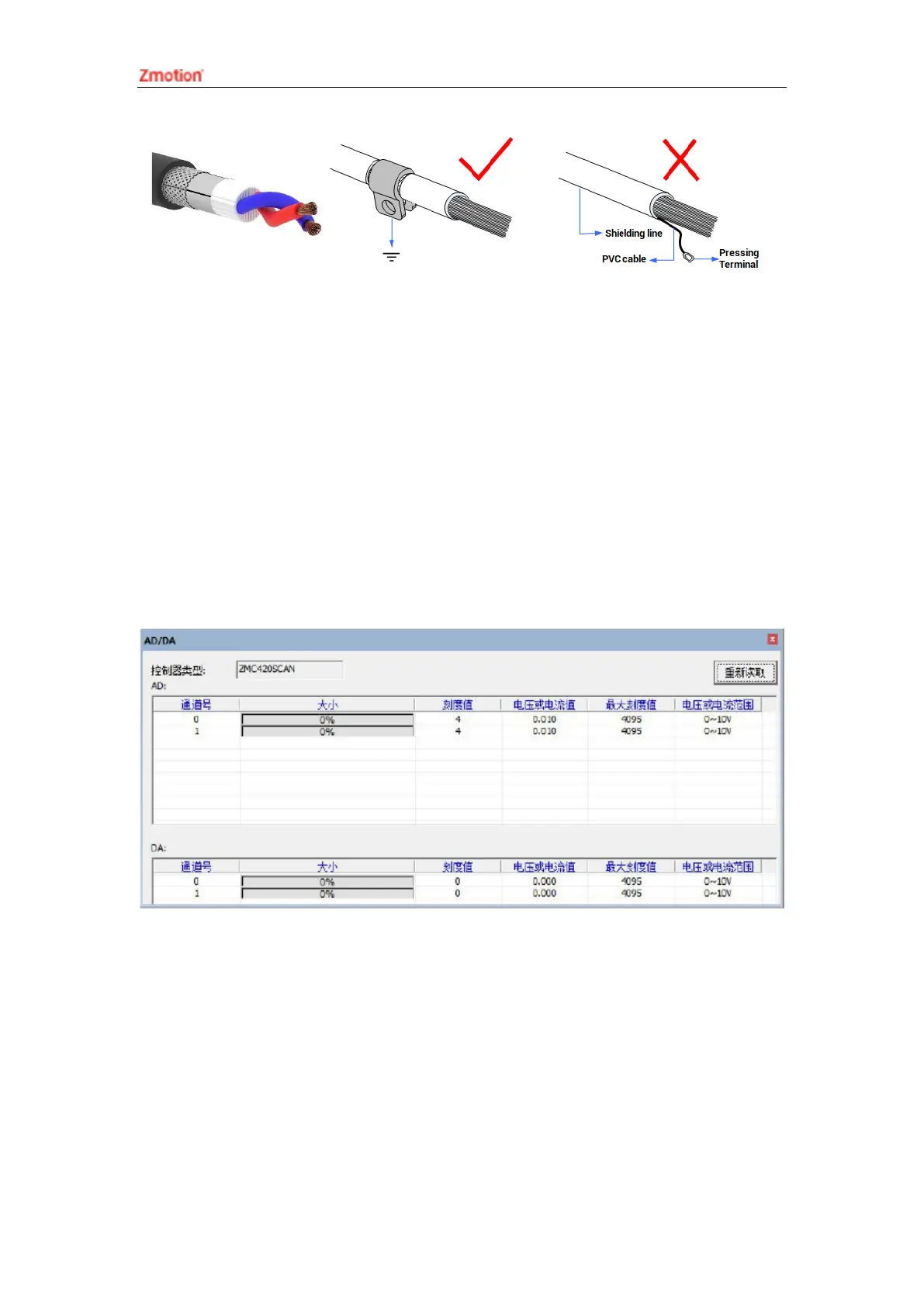
(3) Analog input voltage can be read through “AIN” command and corresponding analog
voltage can be output through “AOUT” command, also, data of each channel can be
checked through “ZDevelop/View/AD/DA”. Please refer to “ZBasic” for details.
3.7. U Disk
The ZMC420SCAN bus galvanometer motion controller provides a USB
communication interface, which can insert the U disk device. It is used for ZAR program
upgrading, controller data importing and exporting, file 3 executing, etc. Its schematic
diagram is shown in the figure below:



 To Next Page