5. Basic Operating Instruction
③ Cut-after-Sewing
The sewing actions are before the cutting
action.
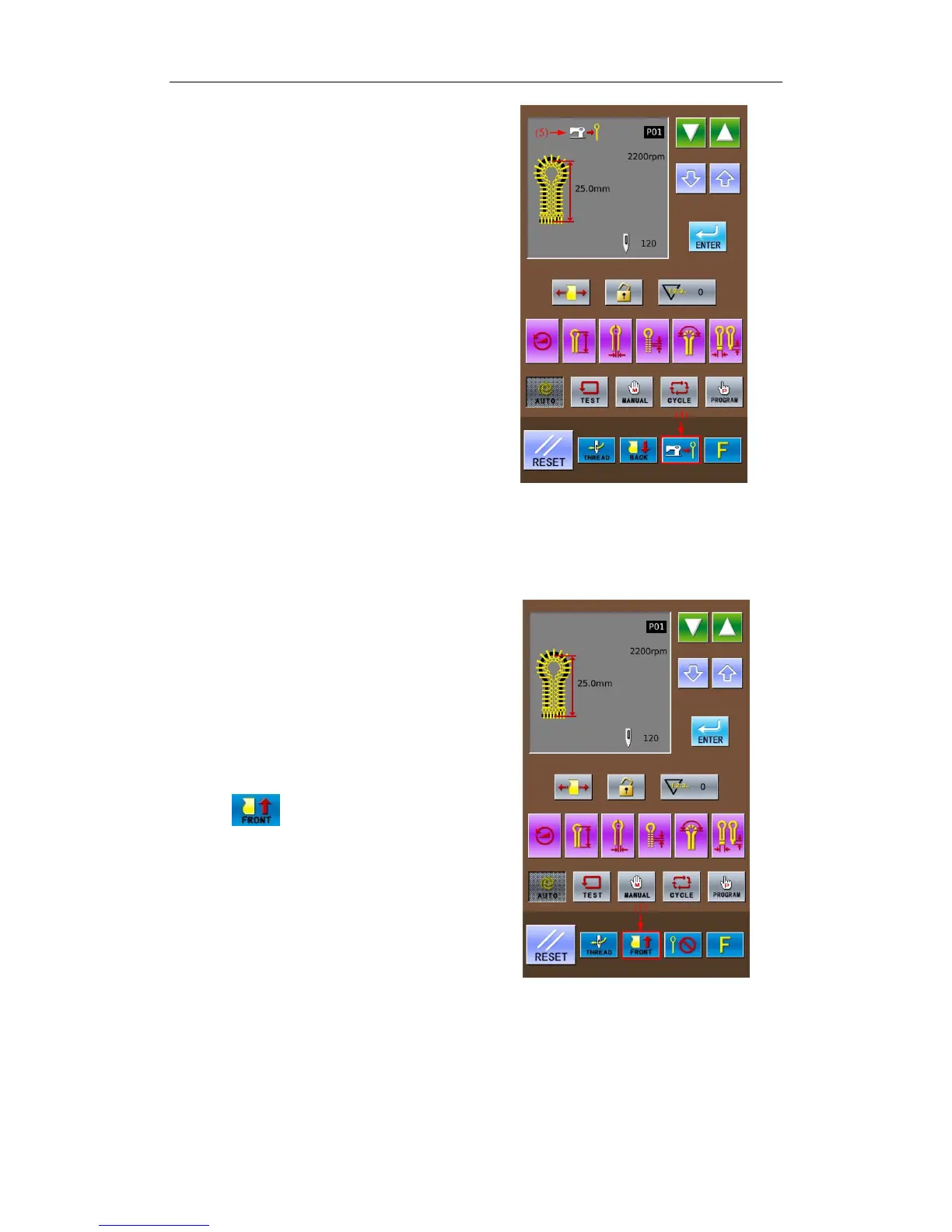
In the interface as shown in right, press
Knife Mode Key to shift the status to
Cut-after-Sewing (4). At this time, this mode
will be displayed at area (5).
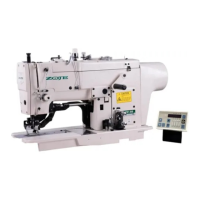
5-6 Method for Shifting Cloth Position
Because this function can move the
cloth-feeding board to a position more forward
than standard position for setting cloth, it will be
easy for setting the cloth. Especially at the status
of Cut-after-Sewing, the time of the cycle is
shortened.
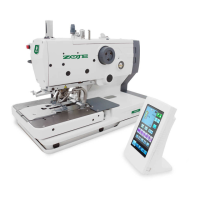
① Move the cloth-feeding board to the front
In the readiness status of Auto mode, Test
Feed mode or Manual mode, press Cloth
Position Shift Key (1) to change the feeding
mode to
. At this time, the cloth-feeding
board will be moved to the Front (position of
sewing start).
Note:Front is the position nearer to the operator
when he faces to the machine.
31



 To Next Page