6. Instructions on Sewing Operations
reversing.
⑤ Select the position for continuing the
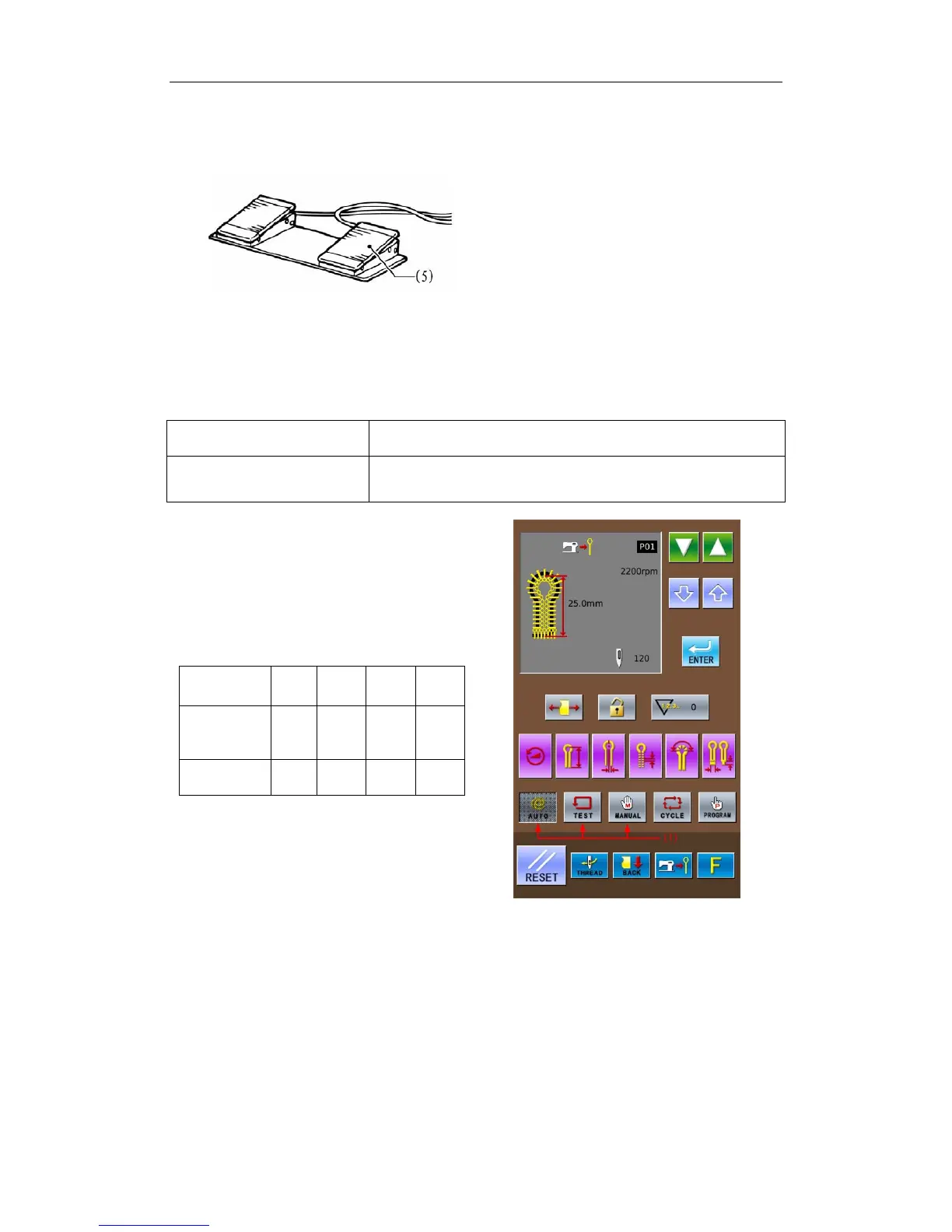
sewing, step the start pedal (5) to continue
the automatic sewing of the existing pattern.
6-4 Usage Instructions on Cyclical Sewing Function
In the single pattern program (P01~P20), system can combine several edited single patterns
together and register them into a “Cyclical Pattern Program” for continuous sewing, which is easy
for using.
Cyclical Pattern Program:
Max Amount for Cyclical
Patterns
9 (C01~C09)
Max Amount of Single
Pattern in a Cyclical Pattern
9 (S1~S9)(A single P pattern can be selected for many times)
Example:
We select a single pattern P01 (3 steps,
with knife action) and a single pattern P03 (1
step, without knife action) to combine a
cyclical pattern, which is set as C1 for
example
The set contents of Cyclical Pattern Program
C1:
Step Code
of C Pattern
S1 S2 S3 S4
Name of
Single
Pattern
P01 P01 P01 P03
Knife
Action
Yes Yes Yes No
① Press the keys (1) at the right interface to
select sewing mode in random.(Take the
auto mode as example.)
38



 To Next Page