Replacement Part Installation
9650-000278-01 Rev. B ZOLL 330 Multifunction Aspirator Service Manual 3–7
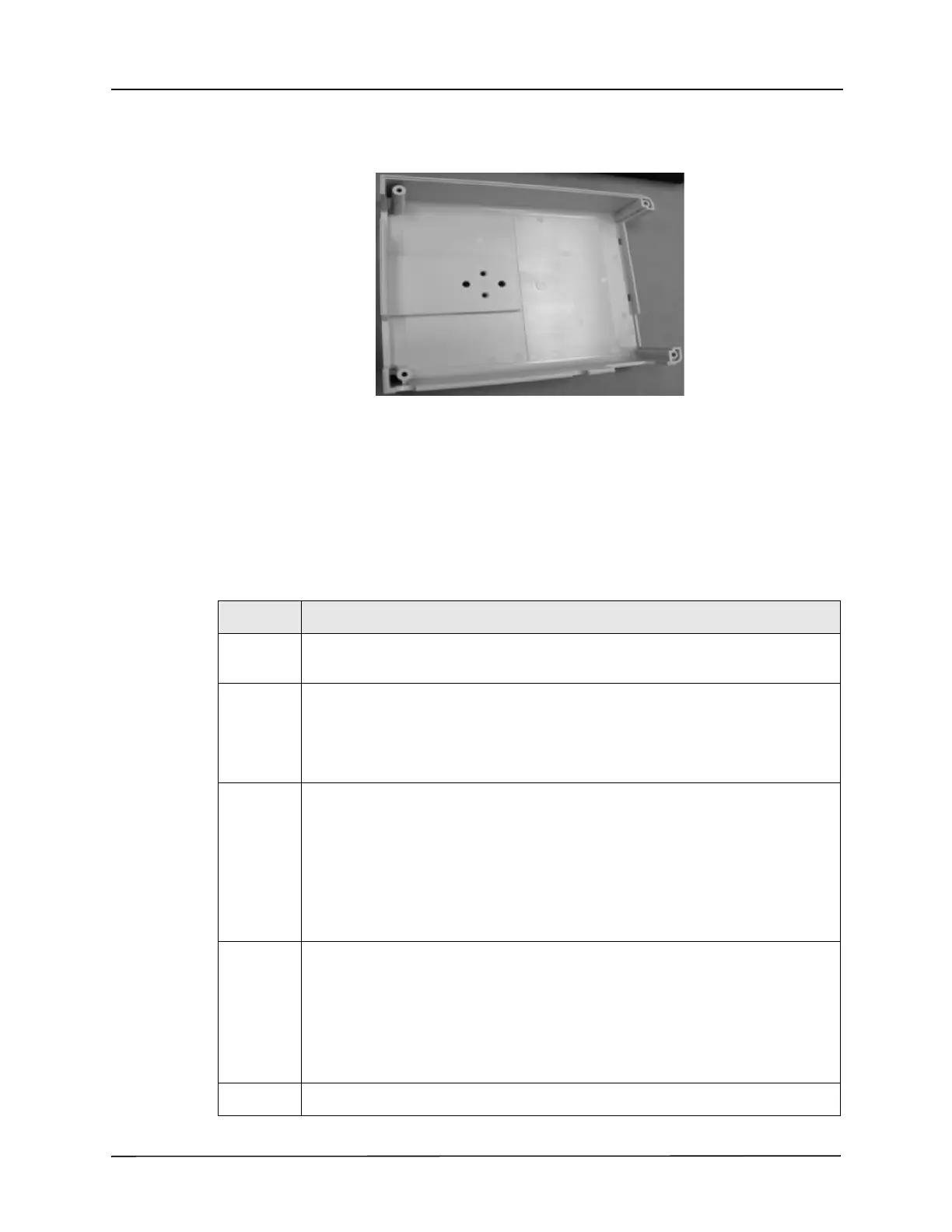
Back Cover Replacement
Required Tools and Other Items
• Torque driver
• #2 Phillips-head bit
• 3/8 in torque nut driver
• Vibra-Tite
Instructions
Step Action
1 Loosen, but do not remove, the four
8-32 x 3 screws on the Exhaust Muffler baffle.
2 Remove the two 10-32 Keps nuts and the four 6-32 x 2 screws that secure the back
cover to the aspirator chassis.
Save these screws and nuts.
Remove the back cover by pulling it from the aspirator.
8 Install the new back cover to the aspirator module and align cover with handle,
exhaust muffler housing, and dovetail mounting studs.
Clean screws and apply Vibra-Tite to each screw, then insert and loosely thread the
four 6-32 x 2” screws.Tighten screws in a crossing pattern, and then re-install the two
10-32 Keps nuts and tighten.
Torque: 6-32 x 2” screws to 9 in lbs, 10-32 Keps Nuts to 18 in lbs
Bit Size: #2 Phillips for screws. 3/8 in nut driver
9 Tighten the four 8-32 x 3 screws on the exhaust muffler.
Torque: 14 in lbs
Bit Size: #2 Phillips
Note: Before tightening the screws, make sure that the Exhaust Muffler Baffle is
aligned so that the “long side”, found on the top of the baffle is on the left, and the
“short side” is on the right, then place the baffle on the Exhaust Muffler Block.
10 Perform calibration and functional test to confirm proper aspirator operation.











 To Next Page