Checking/editing projects/files
Dividing projects
53
H6 Handy Recorder
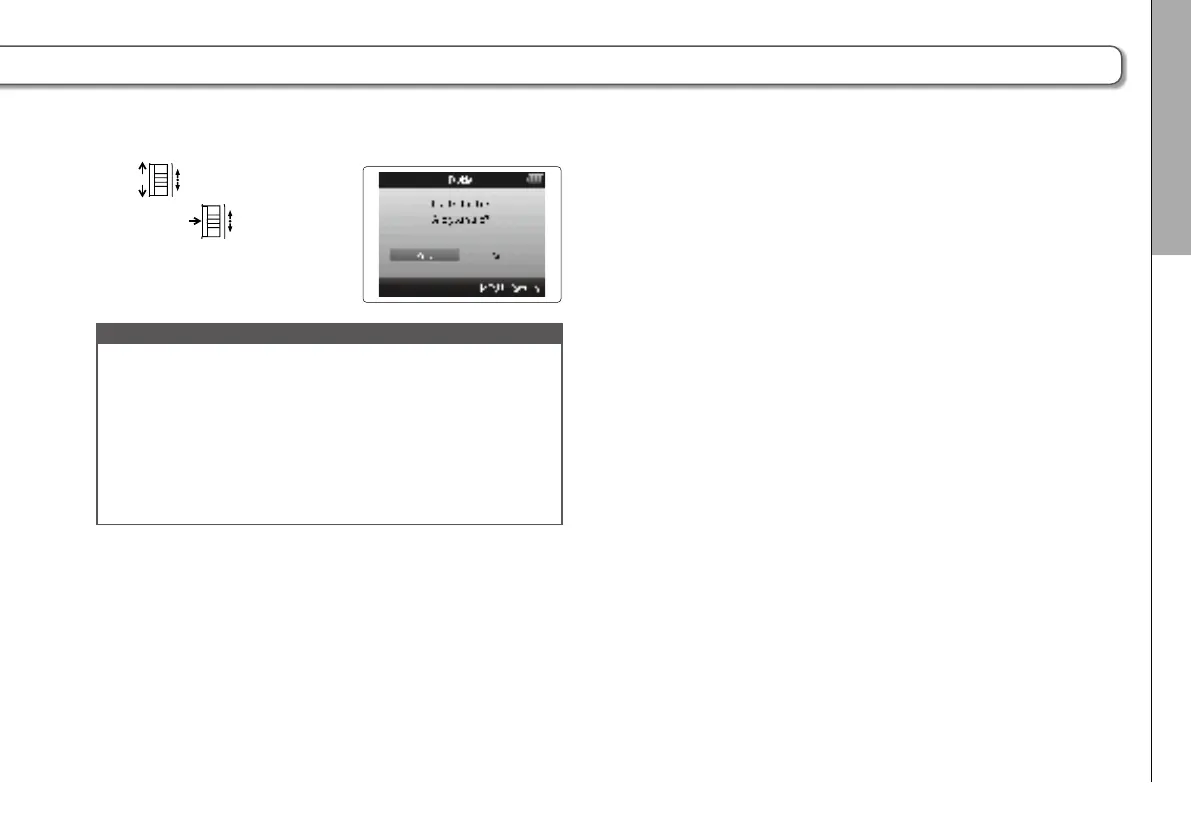
6. Use to select “Yes”,
and press
.
NOTE
•
After dividing a project, the part before the division point
will be given the same name as the original project with
“A” added to the end. The part after the point will have “B”
added to the end of its name.
•
If you have made additional recordings and have multiple
takes, the current take will be divided. All other takes will
be saved with the original project.
•
The original take is deleted.



 To Next Page