Other functions
Formatting SD cards
95
H6 Handy Recorder
Formatting SD cards
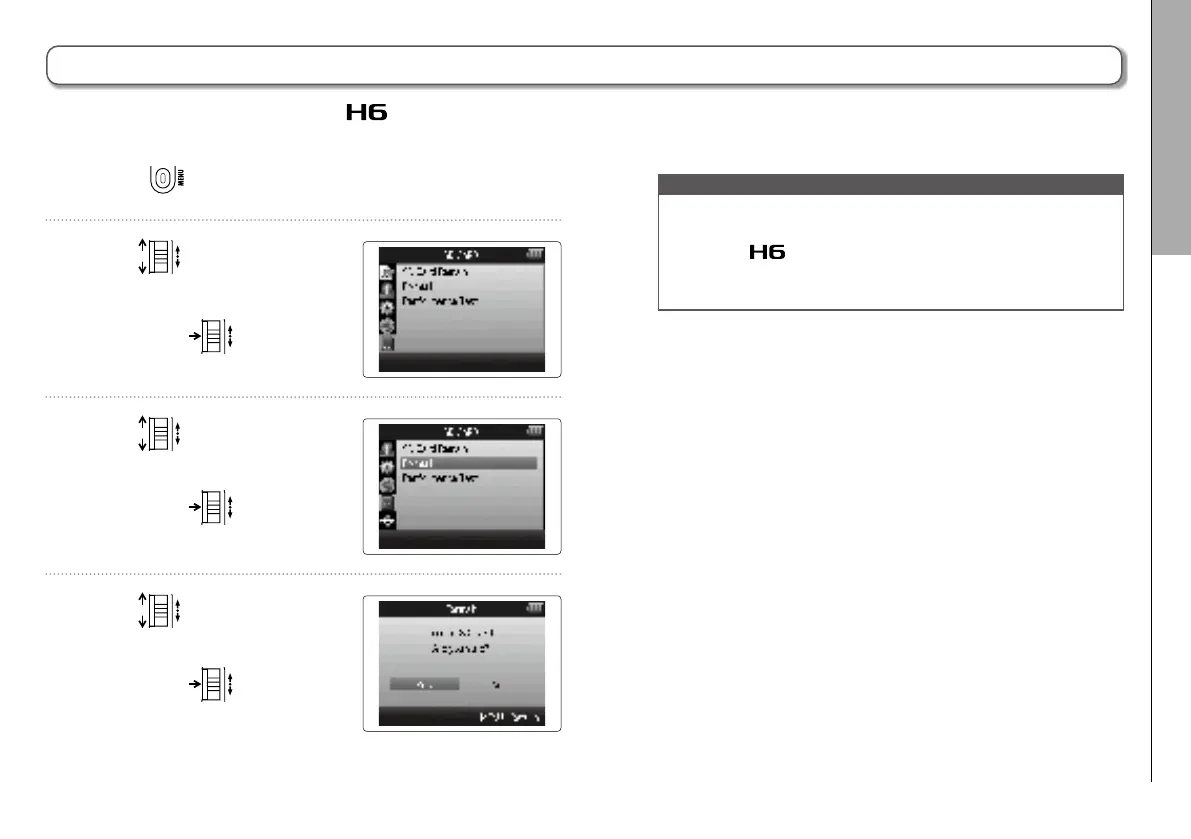
1. Press .
2. Use
to select
“SD CARD”,
and press
.
3. Use
to select
“Format”,
and press
.
4. Use
to
select “Yes”
and press
to format
the SD card.
SD cards must be formatted by the for use with it.
NOTE
•
If you use an SD card that has been formatted by a
computer or that you have purchased, you must format it
using the
before it can be used with the unit.
•
Be aware that all data previously saved on the SD card will
be deleted when it is formatted.



 To Next Page