Other functions
Testing SD card performance
96
Testing SD card performance
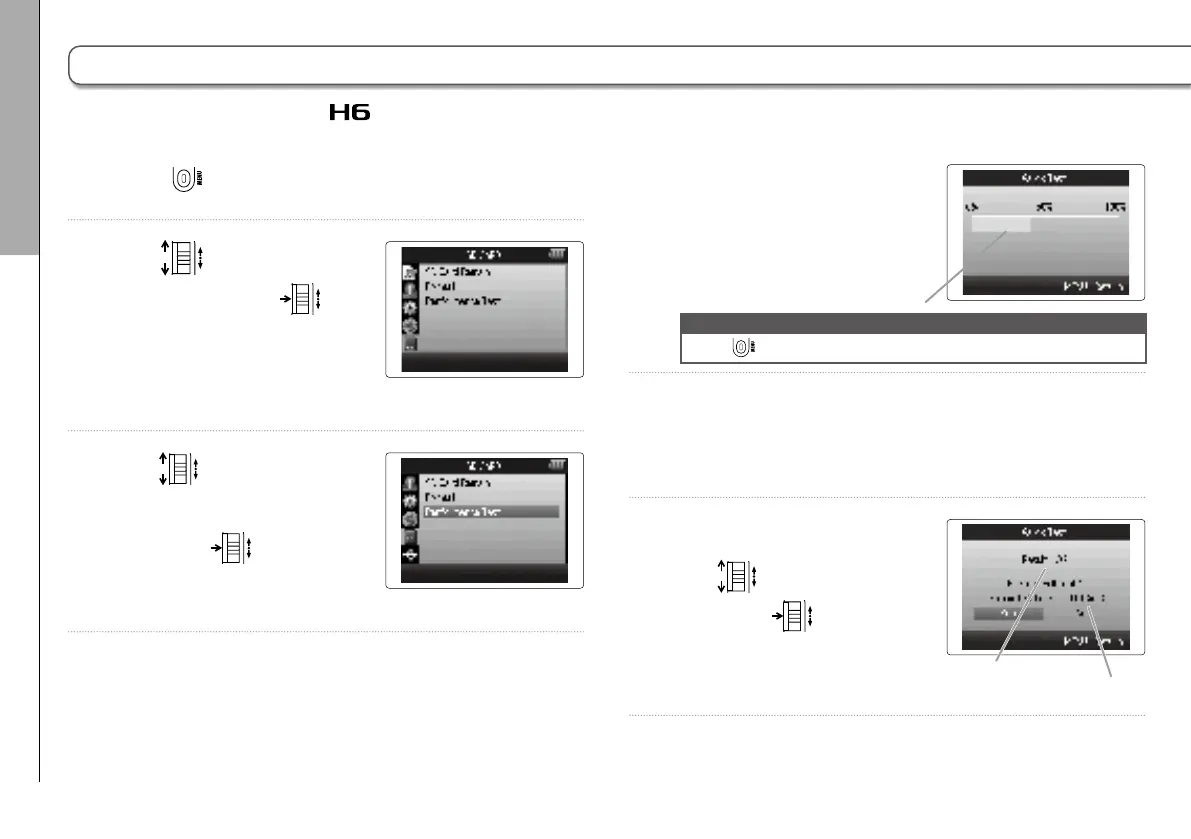
SD card compatibility with the can be tested.
1. Press .
2. Use
to select “SD
CARD”, and press
.
3. Use
to select
“Performance Test”,
and press
.
4. Start a quick test.
The test should take about
30 seconds.
NOTE
Press to cancel.
5. The quick test completes.
The test result and a screen allowing execution of a full test,
along with the amount of time required, will be shown.
6. To execute a full test,
use
to select “Yes”,
and press
.
Test progress
Test result
Time required for full test



 To Next Page