Checking/editing projects/files
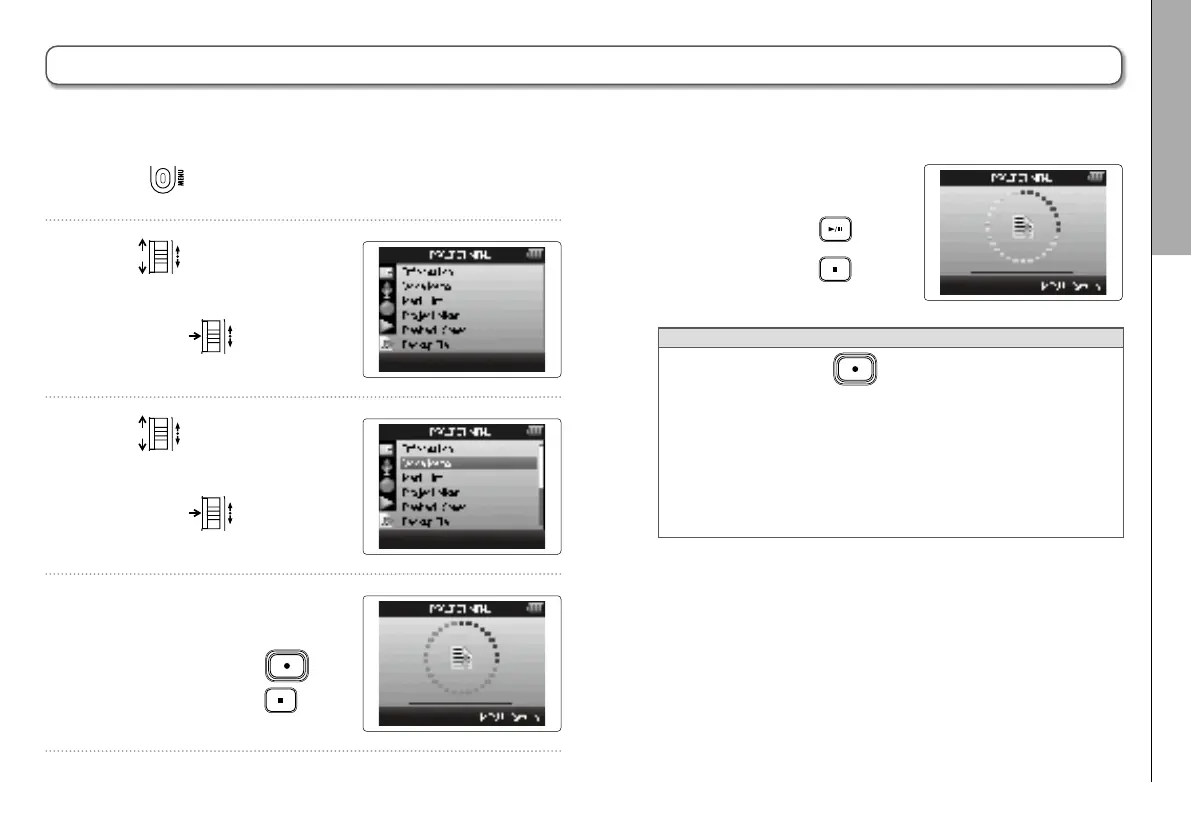
Recording a project voice memo
59
H6 Handy Recorder
Recording a project voice memo
1. Press .
2. Use
to select
“PROJECT MENU”,
and press
.
3. Use
to select
“Voice Memo”,
and press
.
4. Record the memo.
Start recording: Press
Stop recording: Press
5. Play the memo.
Start playback: Press
Stop playback: Press
HINT
•
Each time you press
, the voice memo is
overwritten.
•
Voice memos are recorded using the stereo mic con-
nected to the L/R input.
It cannot be recorded using Inputs 1–4.
•
The file name of the voice memo will be in the format of
“ZOOM0001_VM”.
•
The voice memo file format is 128kbps MP3.
You can add a voice memo to a project.



 To Next Page