Other functions
Updating the firmware
98
Updating the firmware
The can be updated to the latest firmware versions.
1. Copy the version update file to the root directory of
the SD card.
2. Insert the SD card into the
.
Then, turn the power on while pressing
.
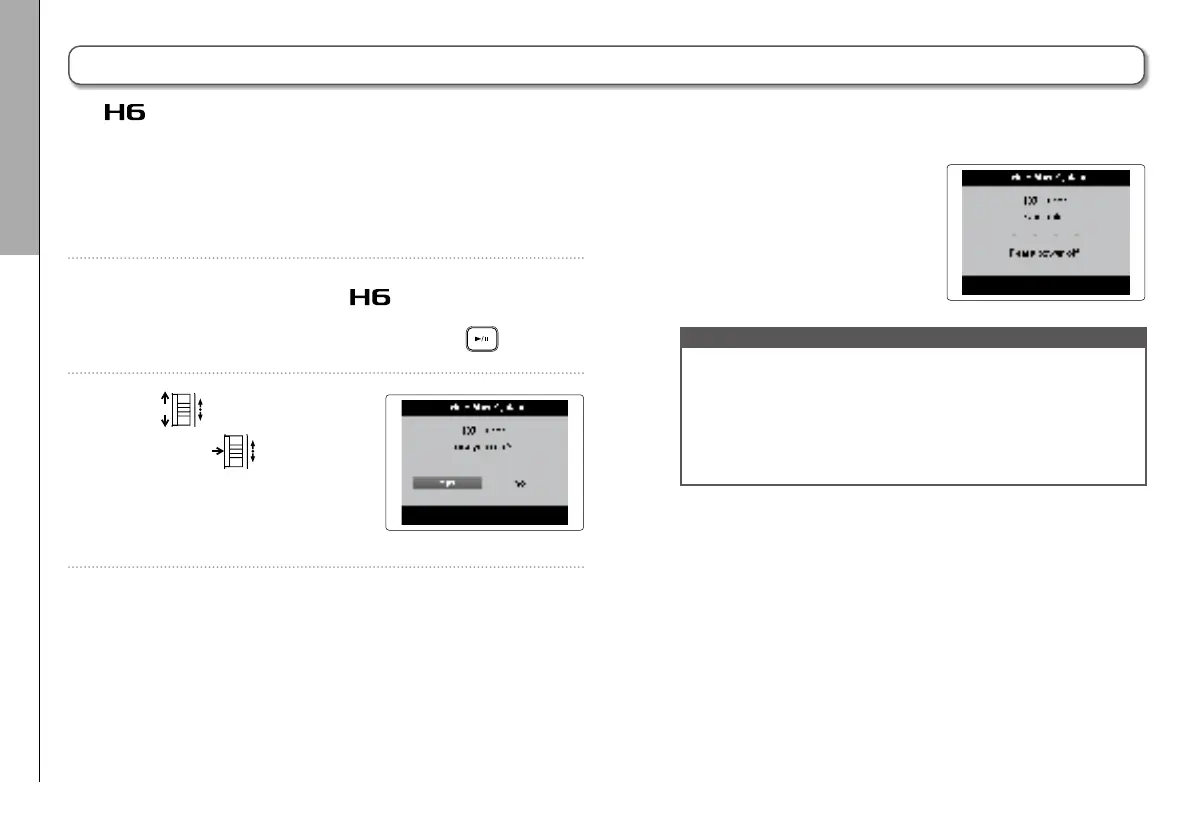
3. Use
to select “Yes”,
and press
to update
the firmware.
4. After the firmware update
completes, turn the power
off.
NOTE
•
Updating the firmware is not possible when the remaining
battery power is too low. If this is the case, install new
batteries or use an AC adapter.
•
In the unlikely event that a firmware update should fail,
conduct the procedures from the beginning to update the
firmware again.



 To Next Page