Other functions
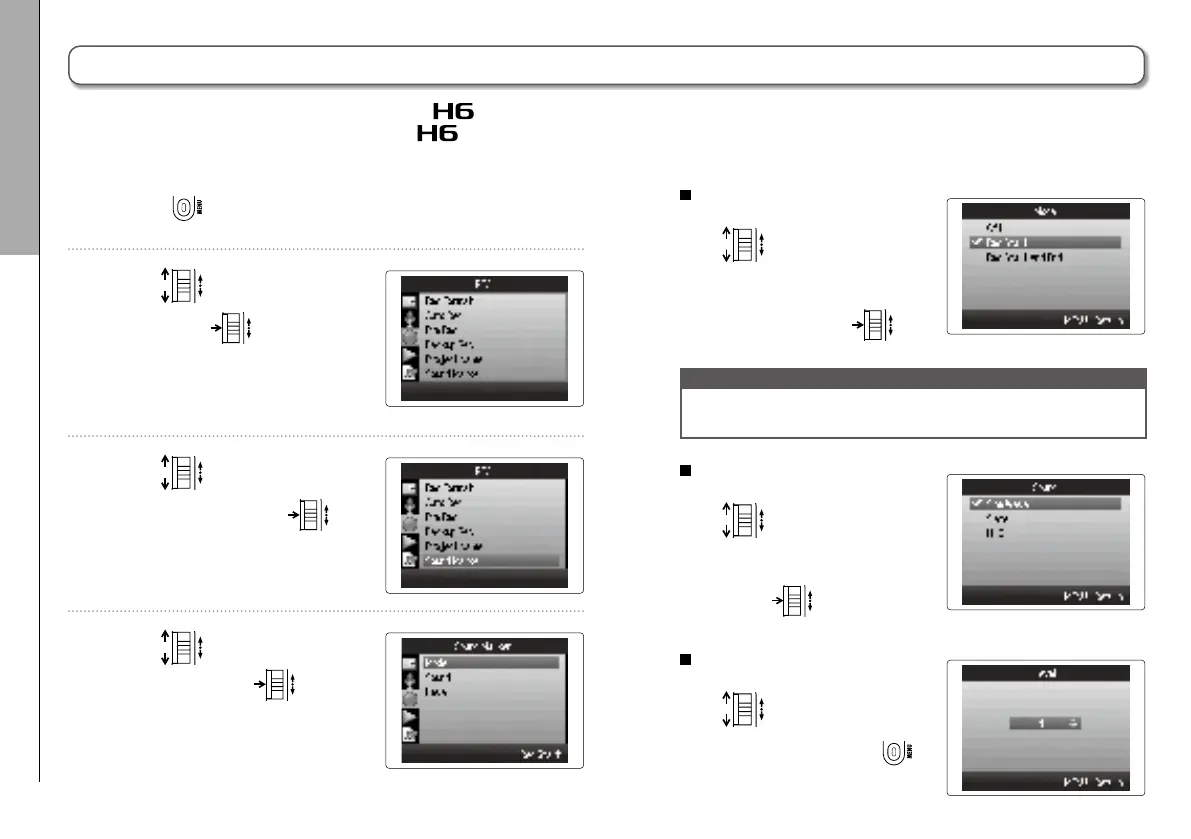
Outputting tone signals when starting and stopping recording (sound marker function)
84
1. Press .
2. Use
to select “REC”,
and press
.
3. Use
to select "Sound
Marker", and press
.
4. Use
to select a menu
item and press
.
Setting the "Mode"
Use to select the con-
ditions for outputting sound
markers, and press
.
NOTE
Markers will not be output when the overdubbing or voice
memo functions is in use.
Setting the "Sound"
Use
to select the
type of sound marker,
and press
.
Setting the "Level"
Use to set the sound
marker level and press
.
Outputting tone signals when starting and stopping recording (sound marker function)
When starting and stopping recording, the can output tone signals (sound markers).
When recording audio for video with the
, by inputting tone signals into the camera recording, aligning the audio with the
video will be easier.



 To Next Page