USB functions
Using as an audio interface
65
H6 Handy Recorder
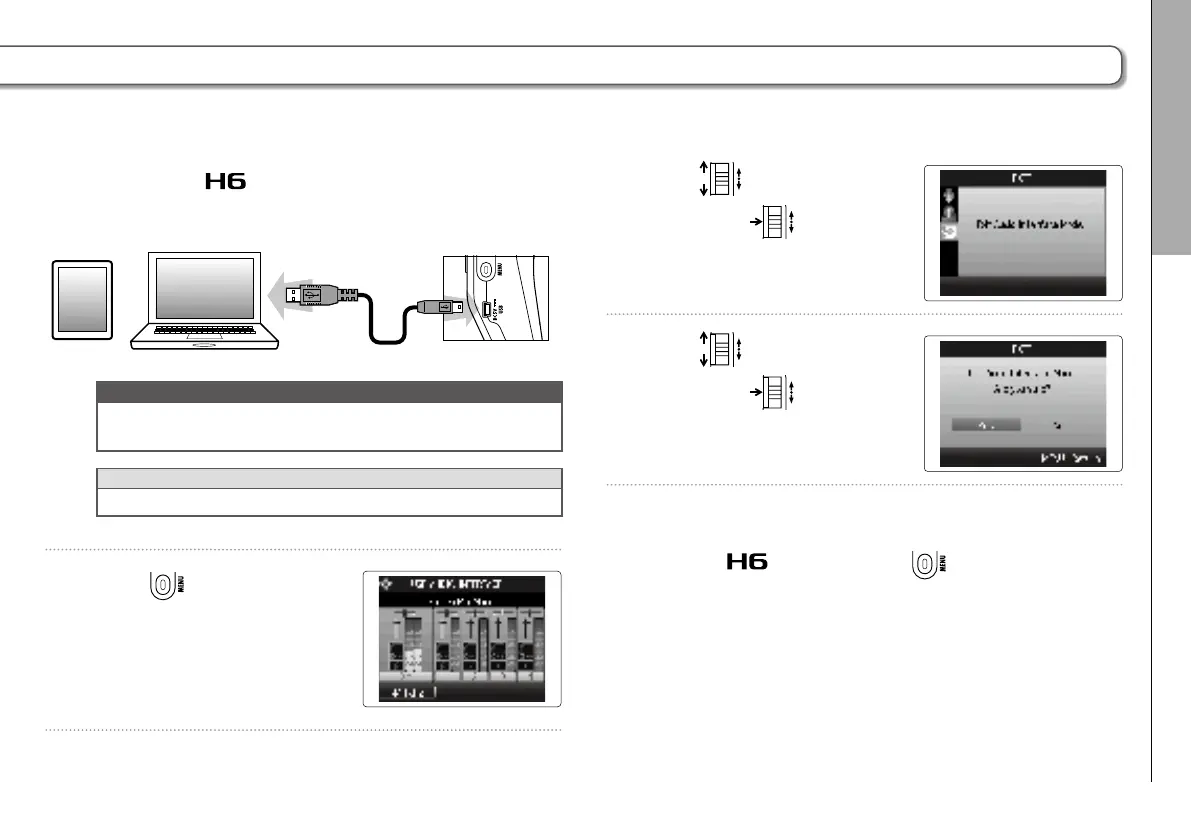
6. Connect the to the computer or iPad using a USB
cable.
NOTE
A Lightning to USB Camera Adapter or Lightning to USB 3
Camera Adapter is necessary to connect to an iPad.
HINT
See “Audio interface settings”. (→P.66)
7. Press
to disconnect.
8. Use to select “EXIT”,
and press
.
9. Use
to select “Yes”,
and press
.
10. Disconnect the cable from the computer or iPad
and the
, and then press .



 To Next Page