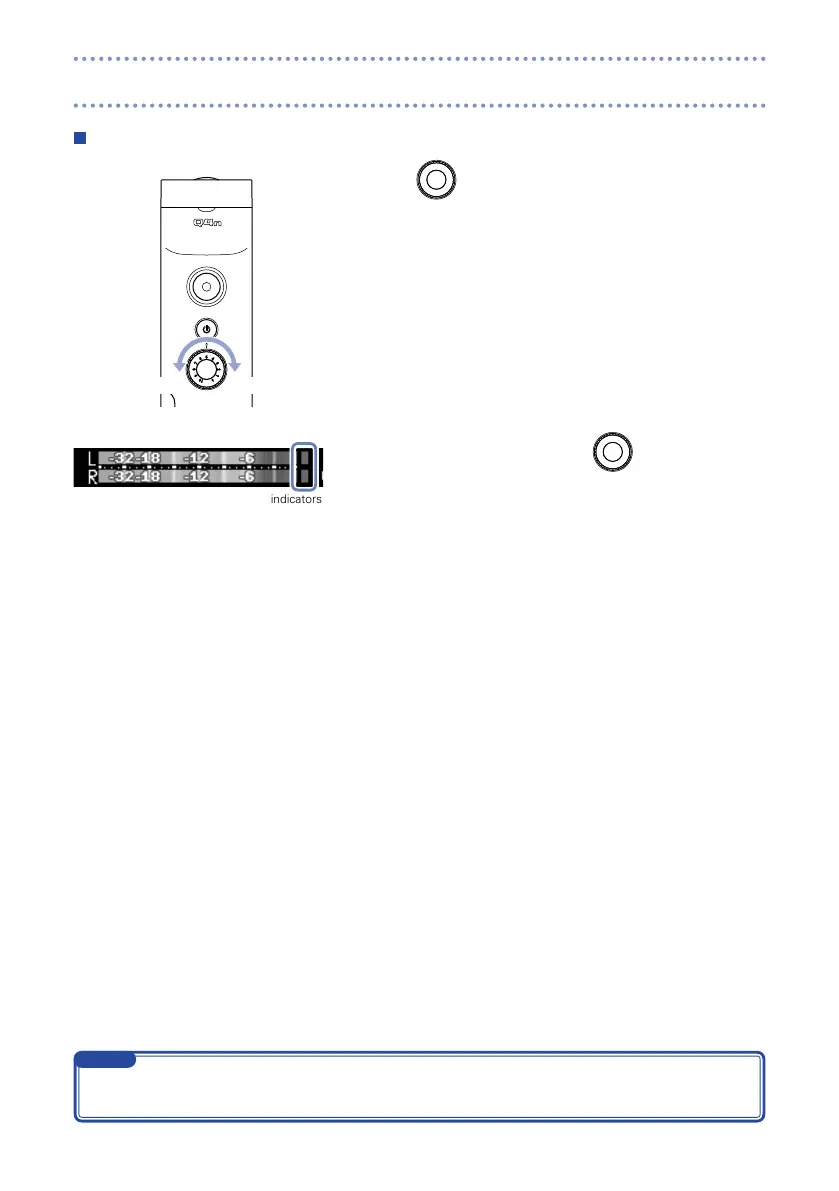
Adjusting recording levels manually
1. Turn
on the top.
2. If the peak indicator lights, turn
to lower the level.
Adjust the level so that the peak indicator does not light even
when loud sounds are input.
Peak indicators
In addition to the peak indicators, the REC LED also blinks when loud sounds are input.
•
Use Auto Gain to adjust the recording level automatically. (See page 24.)
•
NOTE
Adjusting recording levels



 To Next Page