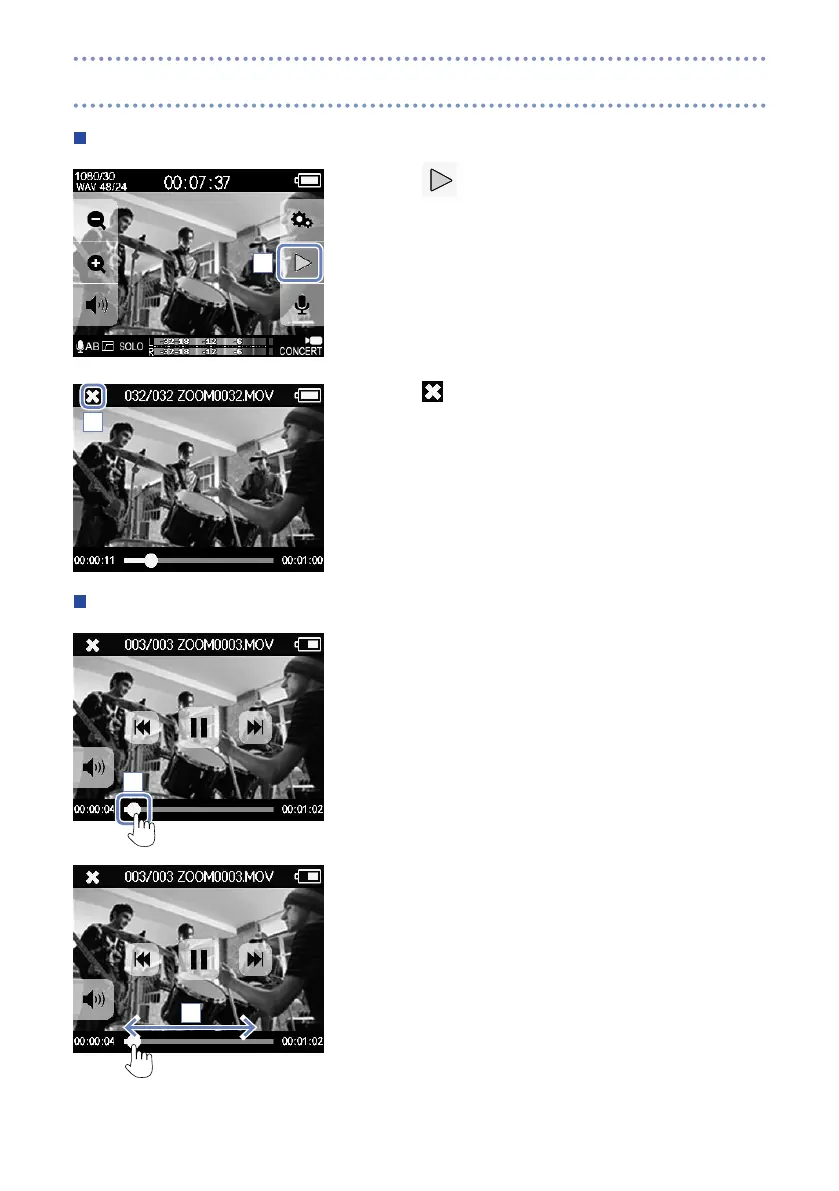
Playing a file
1. Touch
on the Main screen.
2. Touch to stop playback.
This reopens the Main screen.
Changing the playback position
1. Touch the playback position bar.
2. Slide it to the position you want.
3. Remove your finger from the screen.
Playback will start from that position.
1
2
1
2
Playing recordings



 To Next Page
 Loading...


