The firmware can be updated to the latest version.
1. Copy the file for updating the firmware to the root direc-
tory on the SD card.
The latest version of the firmware can be downloaded from
www.zoom.co.jp.
2. Insert the SD card into the ’s card slot.
3. While pressing and holding
, press
to start the
unit.
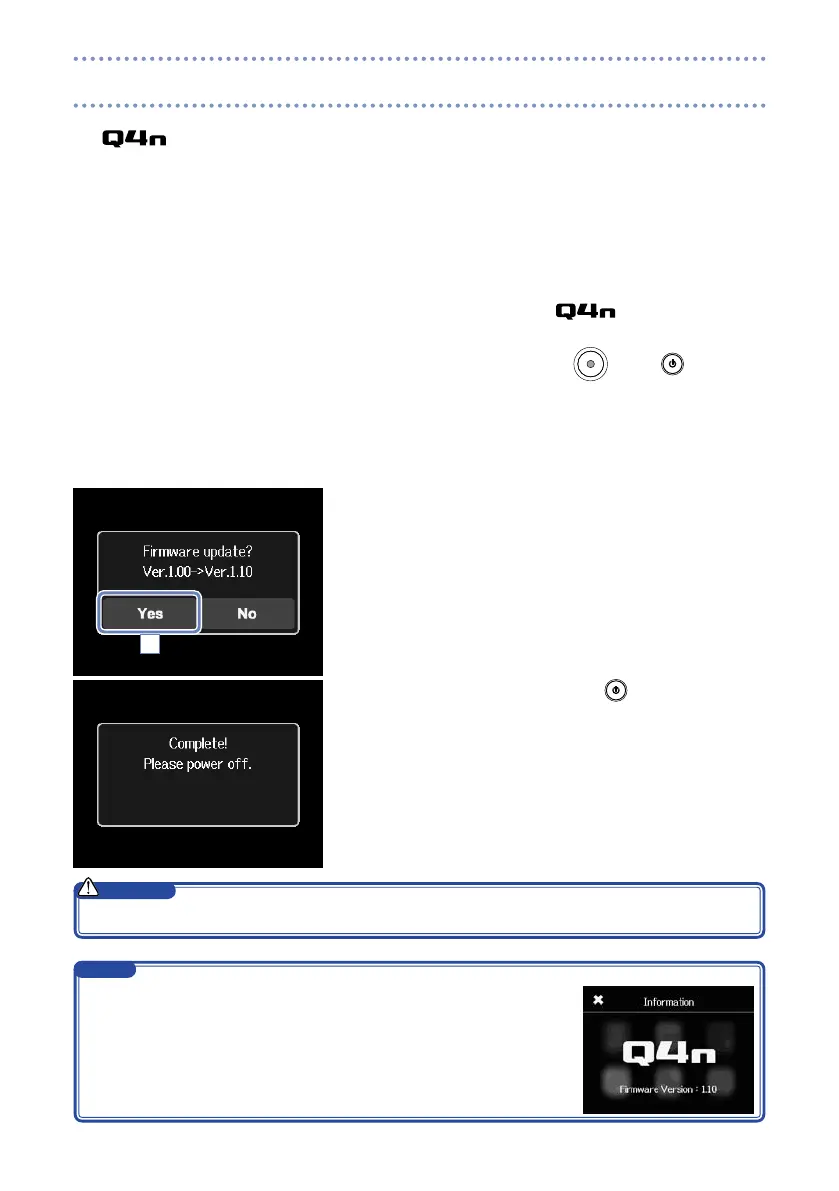
Keep pressing the buttons until the firmware update screen
opens.
4. Touch Yes.
5. When updating completes, press
for at least one sec-
ond to shut down.
4
Upgrading the firmware is not possible if the remaining battery power is low.
CAUTION
You can check the current firmware version with the Information function in
the SETTING menu. (See “System settings” on page 39.)
NOTE
Updating the firmware



 To Next Page