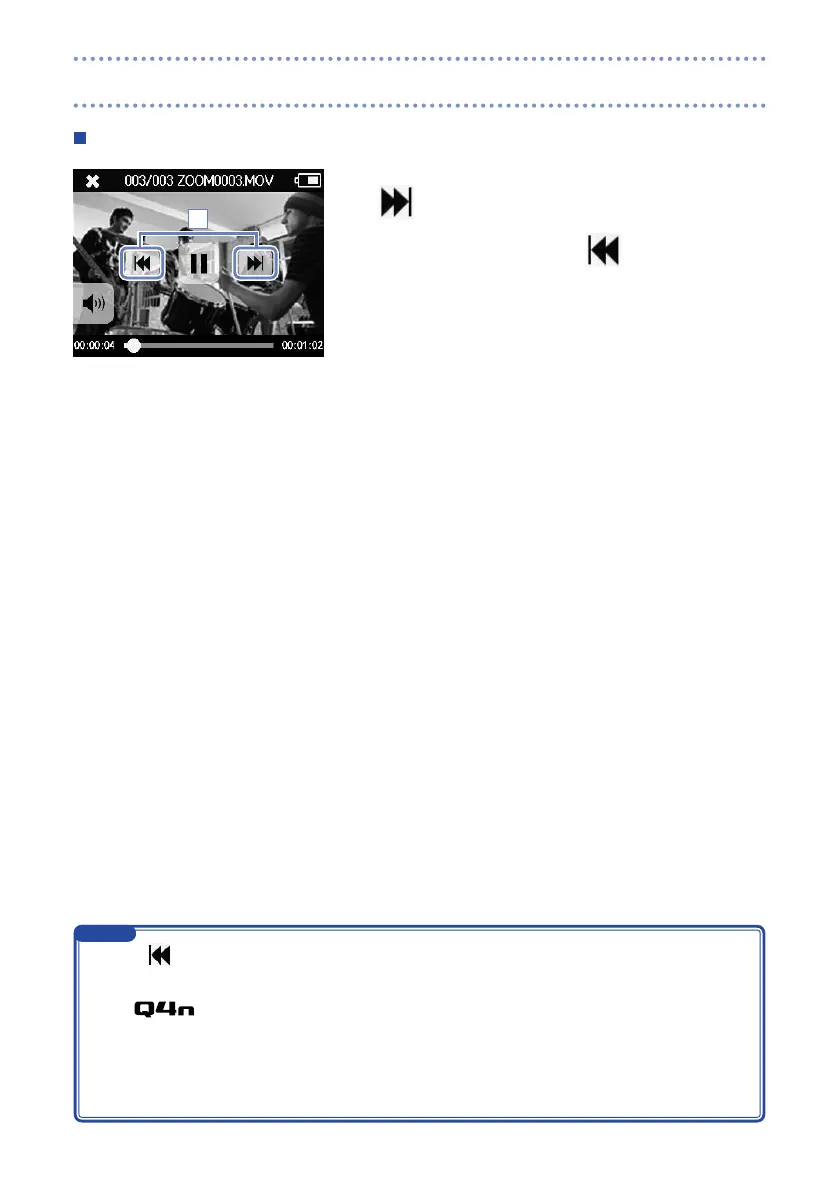
Playing a different file
1. To play the next file, touch the screen once and then touch
.
To play the previous video, touch
twice.
1
Touch
•
during playback to return to the beginning of the currently selected file.
The buttons will disappear if no operation occurs for some time. Touch the LCD to show the
•
buttons again.
The
•
can only play videos that it recorded.
By connecting an HDMI cable (sold separately) to the HDMI OUT, video can be output to an external
•
device. (See "HDMI output" on page 34.)
You can open a list of thumbnails to select a video for playback. (See "FILE list"
•
on page 30.)
Use QuickTime to play recorded videos on a computer. QuickTime can be downloaded from the Apple
•
Inc. website.
NOTE
Playing recordings (continued)



 To Next Page