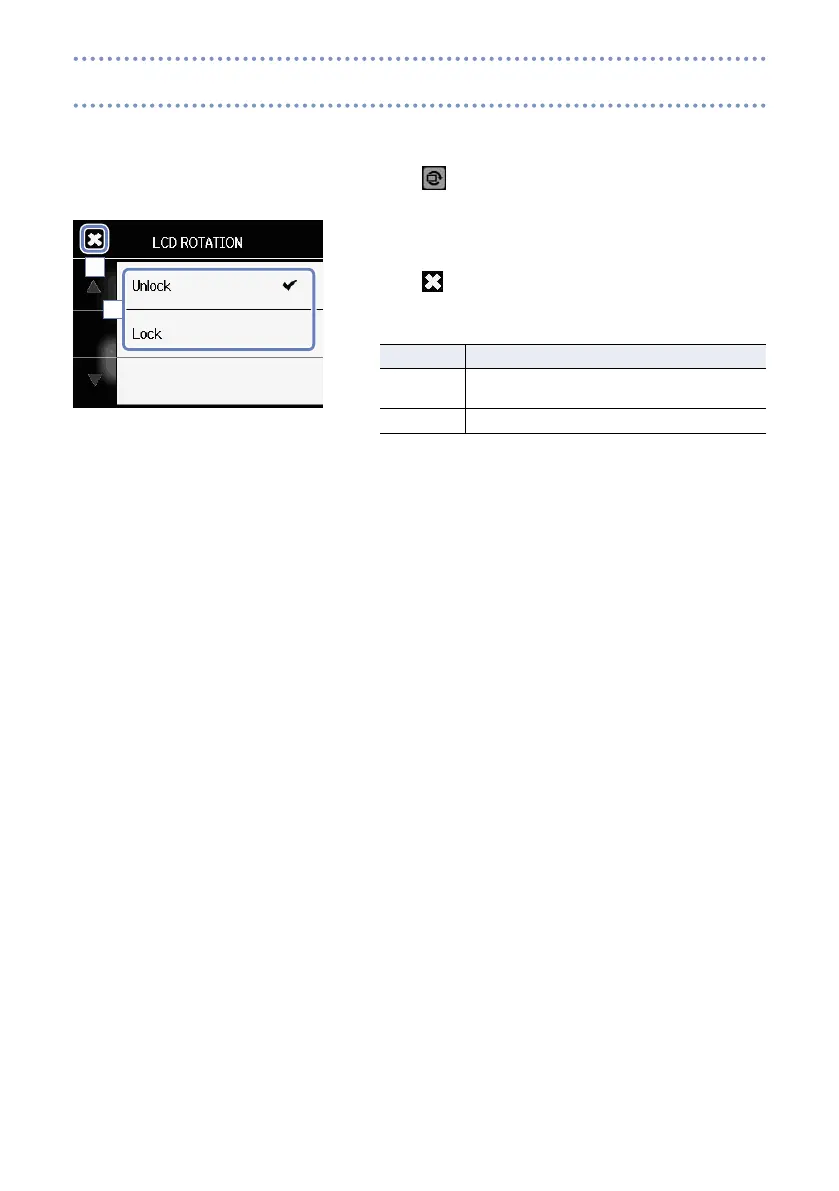
You can lock the rotation of the LCD screen.
1. Touch
on the Menu screen.
2. Touch the setting value in the submenu.
3. Touch to return to the Menu screen.
This will close the submenu.
Setting Explanation
Unlock The screen rotates to match the LCD orienta-
tion.
Lock The screen keeps the current state.
2
3
Locking the LCD rotation



 To Next Page