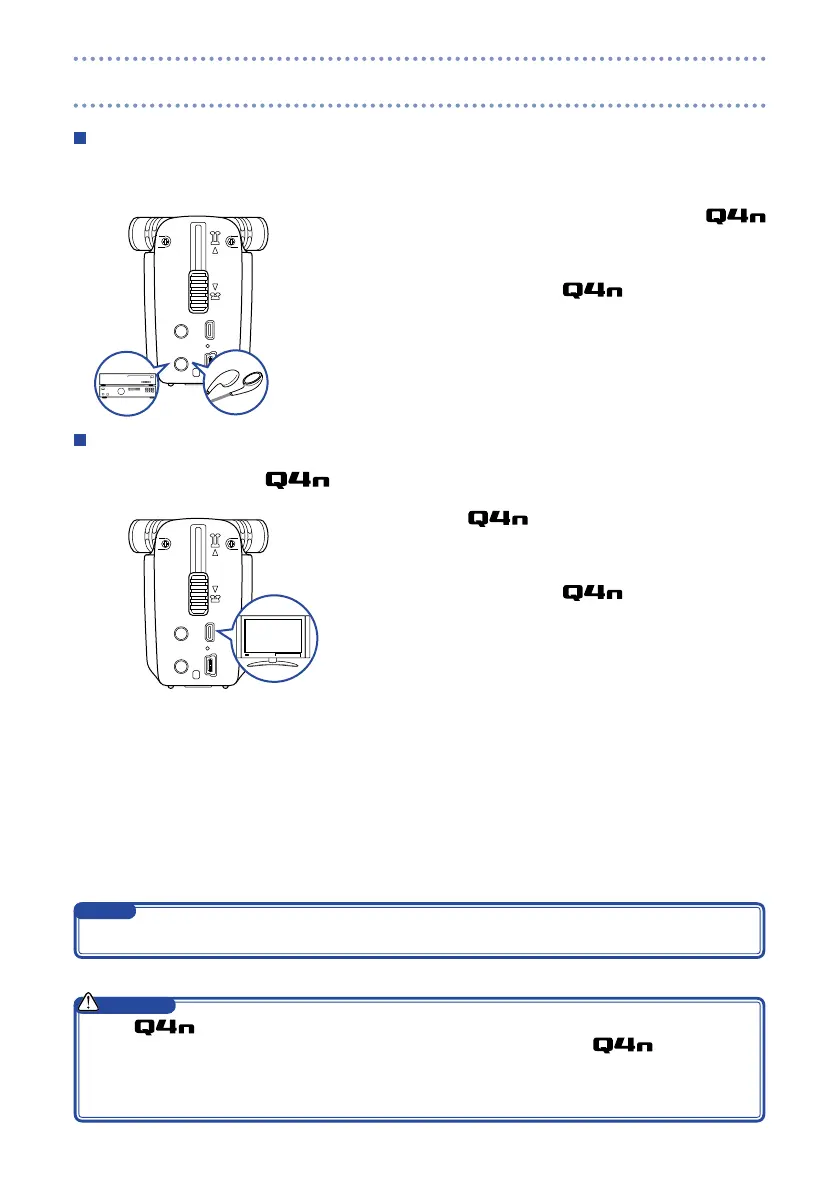
Headphones/line output
You can listen to the audio with headphones or an external audio amplifier.
1. Connect headphones or audio equipment to the
headphones jack using a stereo mini plug cable.
2. Start video playback on the .
HDMI output
Use an HDMI cable to show video recordings in high definition on an HDMI TV .
1. Connect the HDMI jack to a TV using an HDMI
cable (sold separately).
2. Start video playback on the .
The
•
has an HDMI Type D Micro connector. Be sure to use a High Speed HDMI (category 2)
cable that has an HDMI Type D Micro connector on one end to connect to the
and a connec-
tor that matches the TV’s HDMI input on the other end.
Connecting or disconnecting an HDMI cable during recording will cause video and audio recording to
•
stop.
CAUTION
Some TVs do not support some audio formats, so correct playback might not always be possible.
NOTE
Headphones/line output and HDMI output



 To Next Page