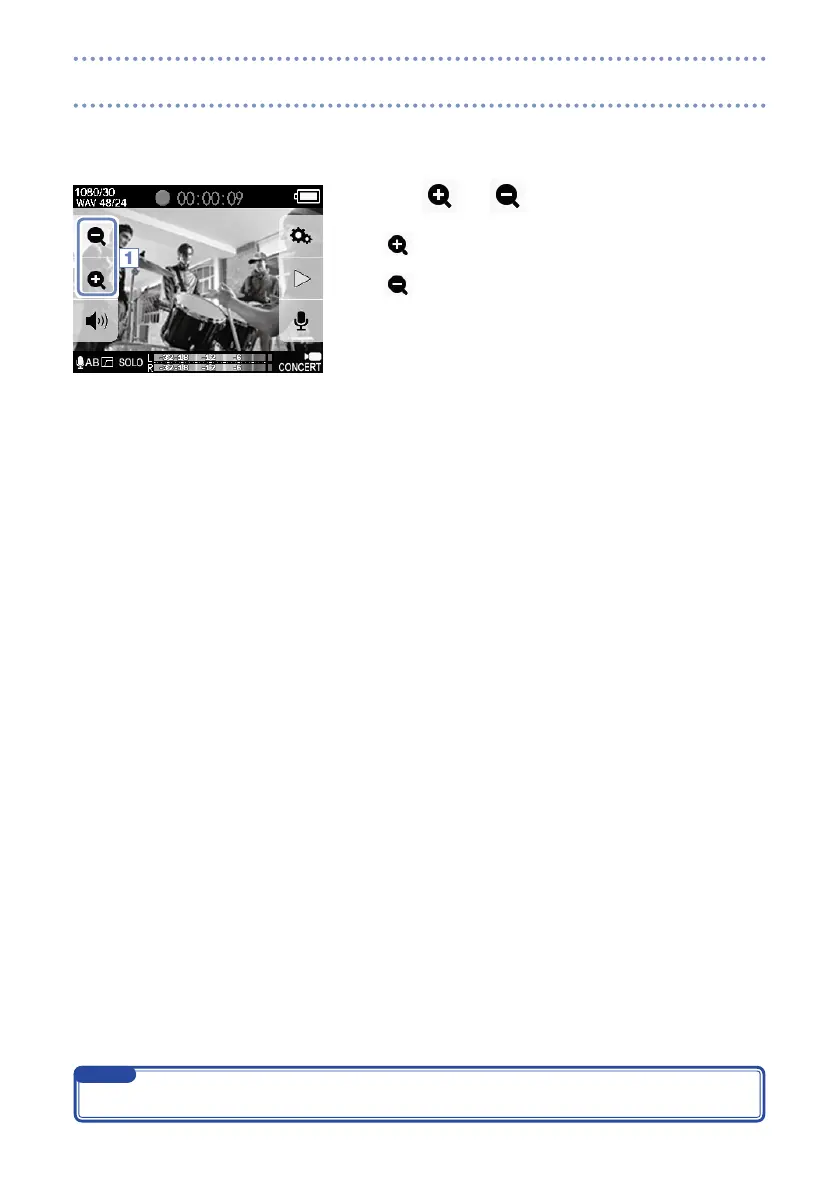
By changing the digital zoom magnification you can set the angle of view to one of five levels.
1. Touch
and
on the Main screen.
Narrow the angle of view.
This trims down to the central subject.
Widen the angle of view.
This records a wider range.
1
The angle of view can be set to 0.75×, 0.85×, 1.00×, 1.30× or 1.50×.
NOTE
Adjusting the angle of view



 To Next Page