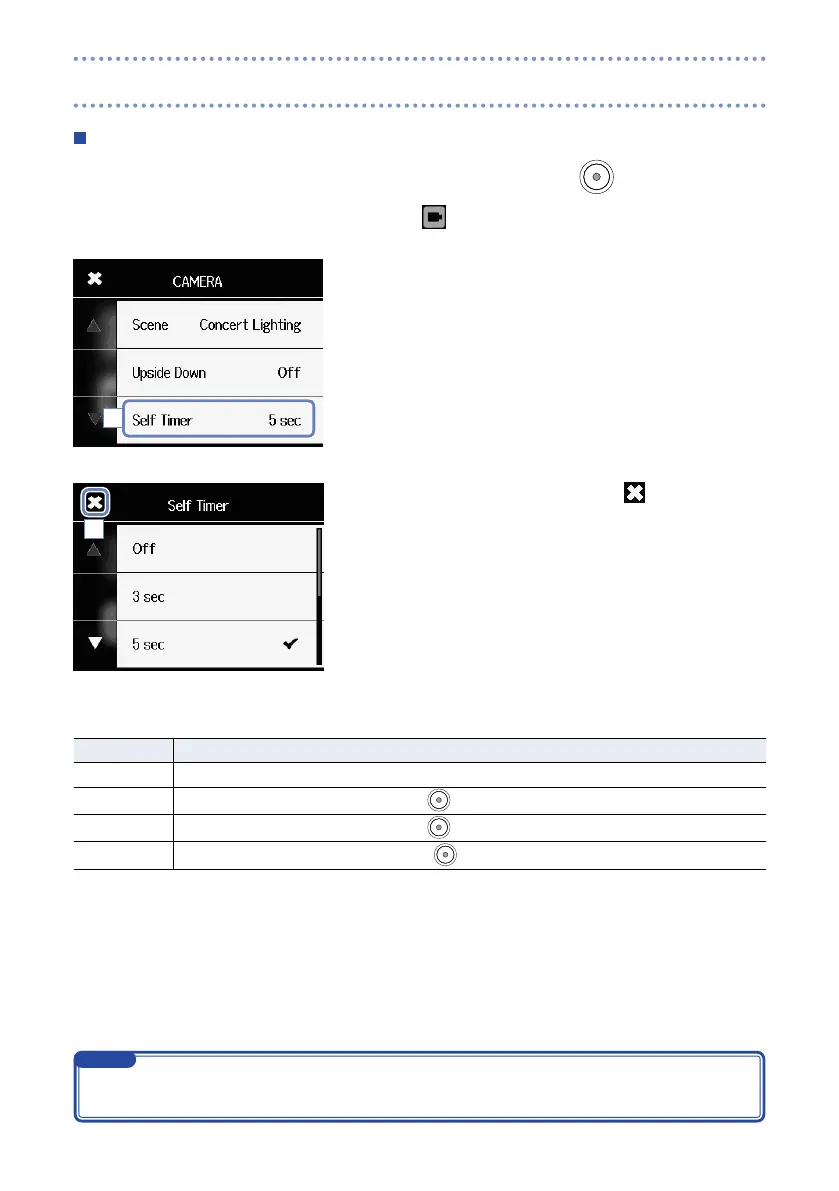
Self timer
This function starts video recording a set number of seconds after pressing
.
1. Touch
on the Menu screen.
2. Touch Self Timer in the submenu.
3. Touch the setting value in the submenu.
4. After completing the setting, touch to close the sub-
menu.
Self Timer: self timer settings
Setting Explanation
Off Self timer not used.
3 sec
Start recording 3 seconds after pressing
.
5 sec
Start recording 5 seconds after pressing
.
10 sec
Start recording 10 seconds after pressing
.
2
4
The self timer can only be used when the LCD is rotated towards yourself. (See “Rotating the LCD” on
page 9.)
NOTE
Camera settings (continued)



 To Next Page