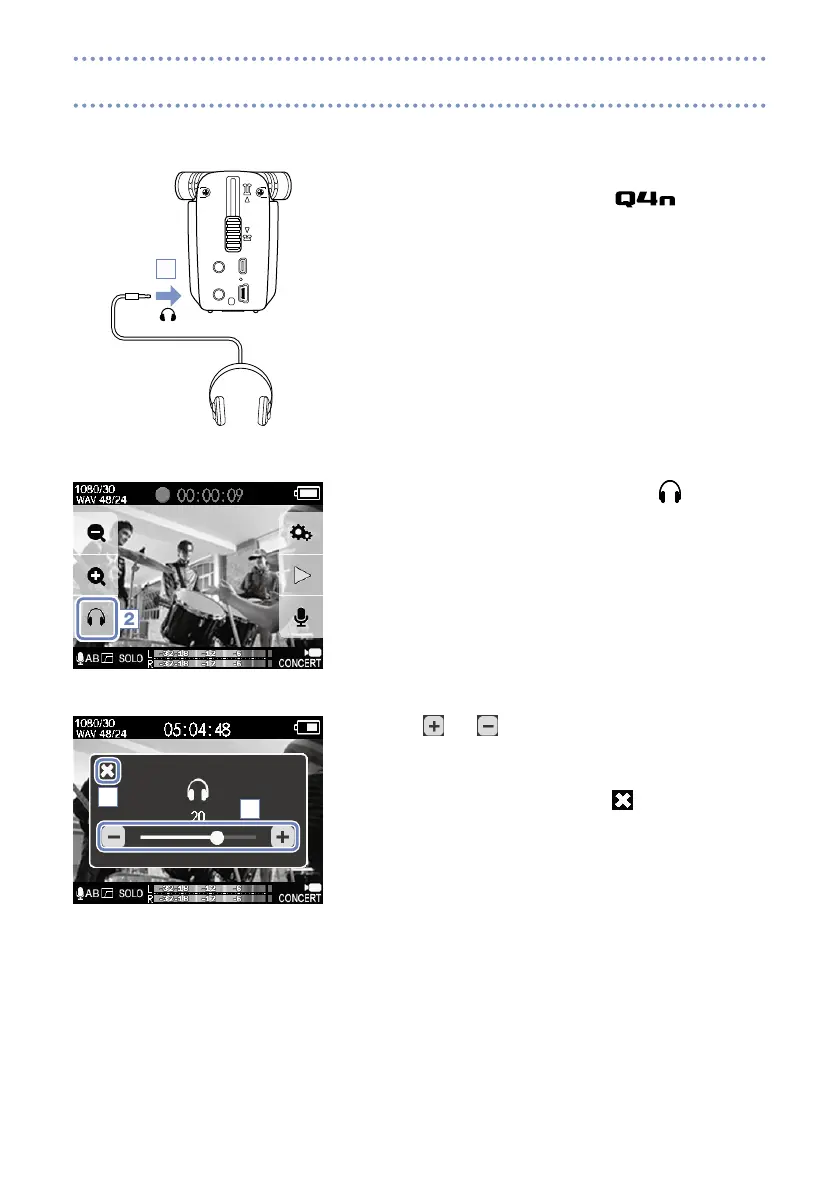
You can monitor audio being recorded with video through the headphones jack.
1. Connect headphones or other audio equipment to the
headphones jack on the back of the .
2. To adjust the monitoring volume, touch
on the dis-
play.
The Volume pop-up appears on the screen.
3. Touch and or slide the bar on the pop-up to adjust
the volume.
4. After completing the setting, touch to close the Volume
pop-up.
2
3
4
Audio monitoring settings
1



 To Next Page