Using as a card reader (computer/iPad)
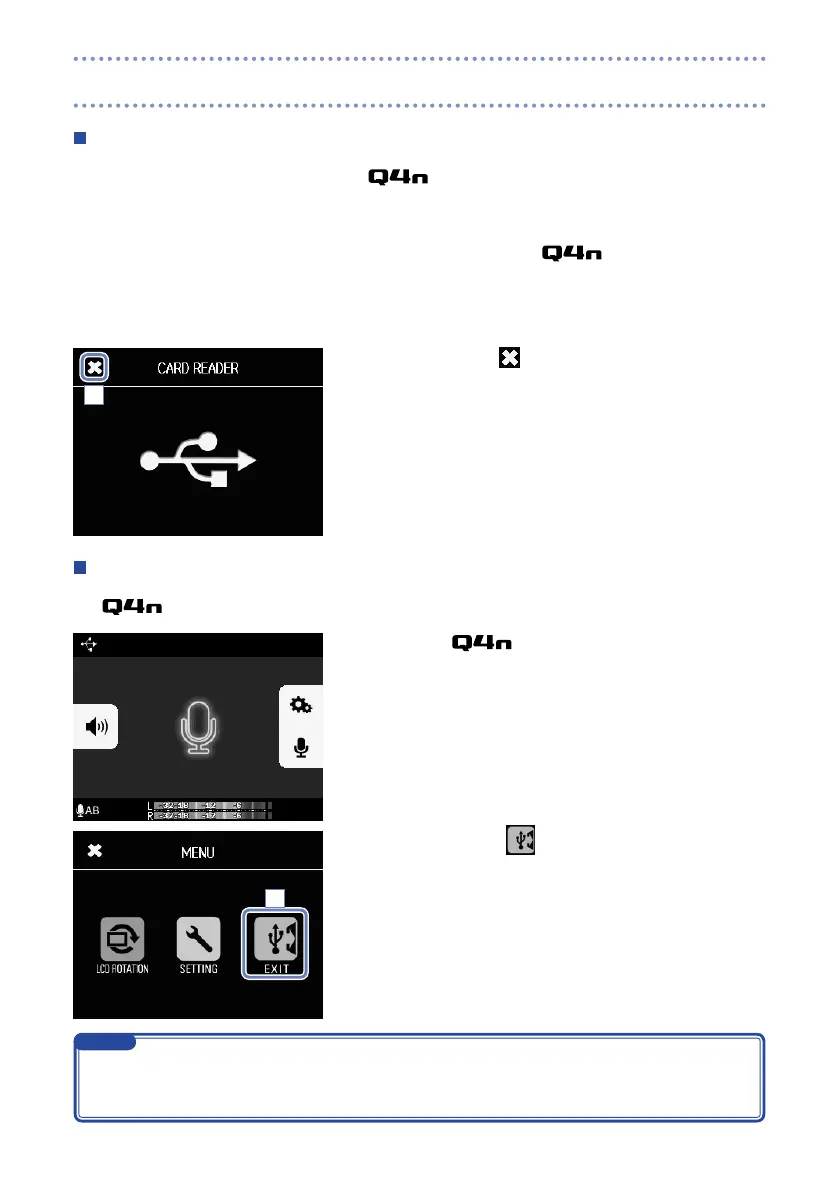
When connected to a computer or iPad, the can act as a removable disk, allowing the contents
of the loaded SD card to be read.
1. On a file management screen of the computer or iPad,
view the contents of the .
2. Work with the files on the SD card.
3. To end use, touch , and disconnect the USB cable.
If connected to an iPad, simply disconnect it.
Using as a USB mic (computer/iPad)
The can be used as a USB mic to input sound to a computer or iPad.
1. Select the as the audio source in the computer
or iPad application to use it as a mic.
2. To end use, touch
on the menu screen, and discon-
nect the USB cable.
3
2
Refer to the manual for the computer or application that you are using for detailed operation proce-
•
dures.
Video recording is not possible during use as a USB mic.
•
NOTE
USB connections (continued)



 To Next Page