Adjusting note velocity (strength)
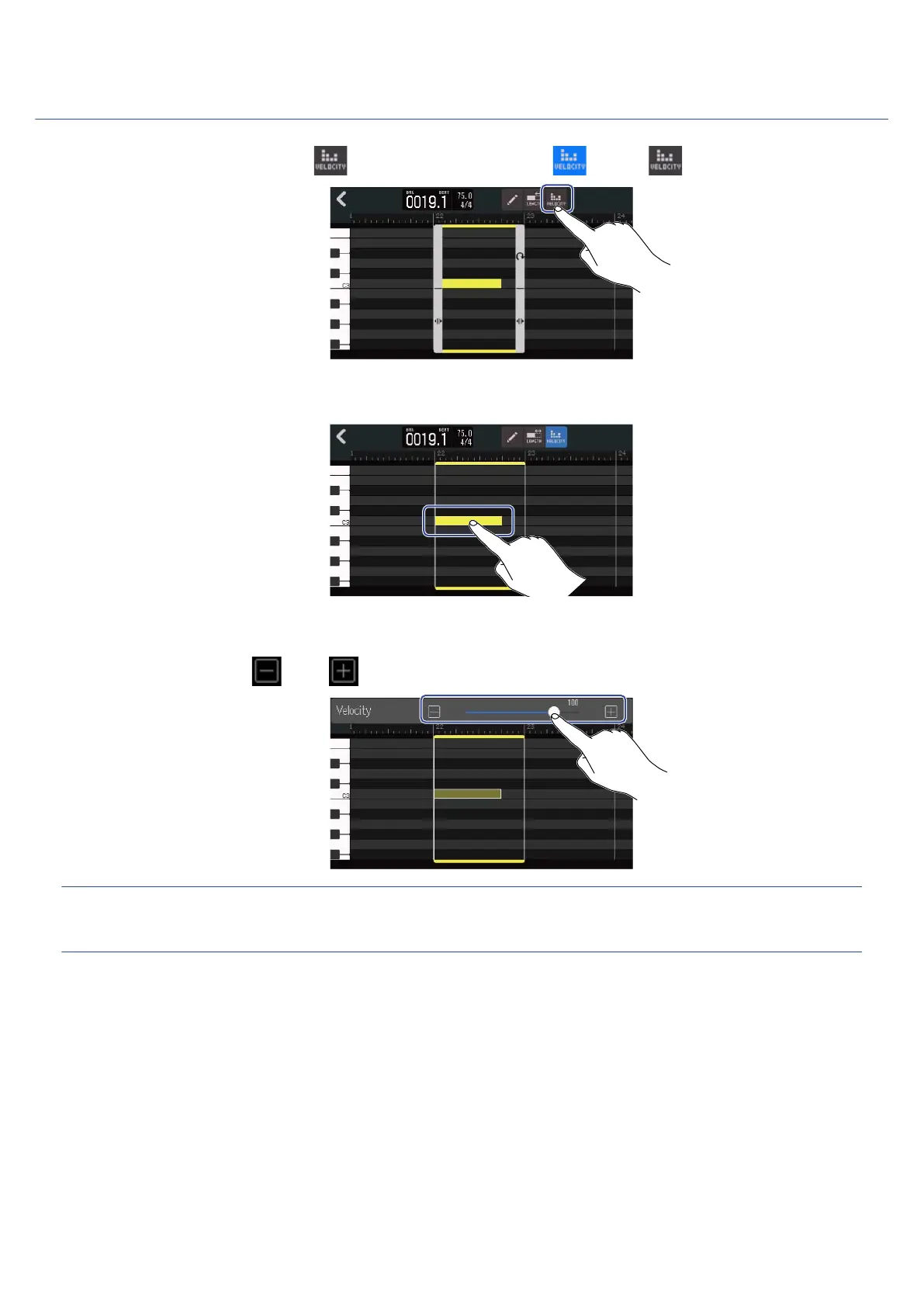
1. On the Piano Roll Screen, tap to turn this function on ( ) (OFF: ).
2. Tap the note for which you want to adjust the velocity.
A Velocity Slider will appear at the top of the screen.
3. Slide the slider or tap and to adjust the velocity.
HINT:
The velocity can be set from 0 to 127.
100



 To Next Page