Trimming regions
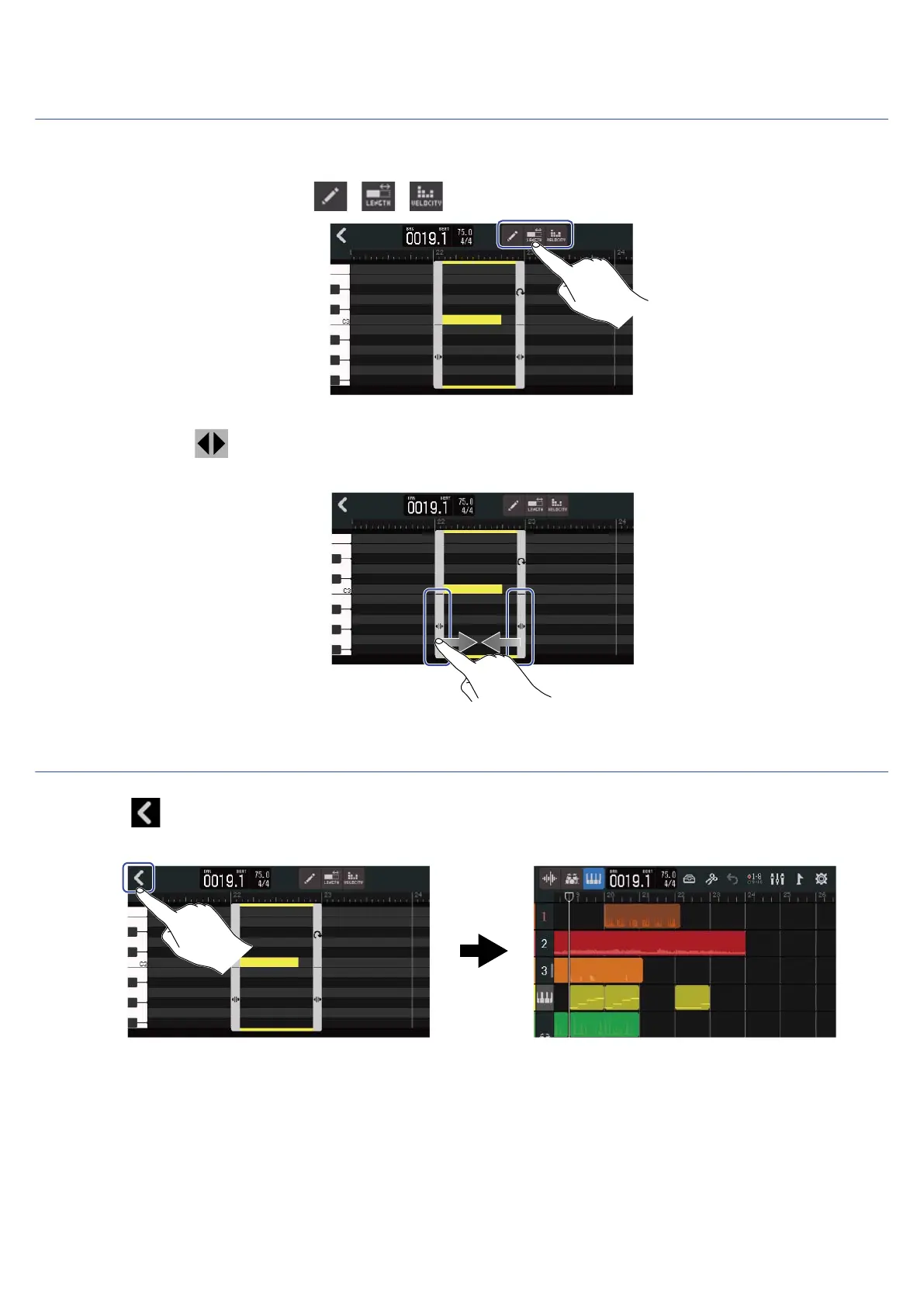
By trimming regions, unnecessary parts can be deleted.
1. On the Piano Roll Screen, tap / / to turn them off.
2. Drag left/right at the bottom left/right of the region to set the range.
Set this to leave the necessary part. Parts outside the selected range will be cut.
Completing editing
1. 1. Tap on the Piano Roll Screen.
The Track View Screen will reopen.
101



 To Next Page