Parameter Explanation
Attack Time Comp/Limiter: This adjusts the speed that the effect is
activated after the input signal exceeds the threshold level.
Gate: This adjusts the speed that the effect is deactivated
after the input signal exceeds the threshold level.
Release Time Comp/Limiter: This adjusts how quickly the effect is
deactivated after the input signal goes below the threshold
level.
Gate: This adjusts the speed that the effect is activated after
the input signal goes below the threshold level.
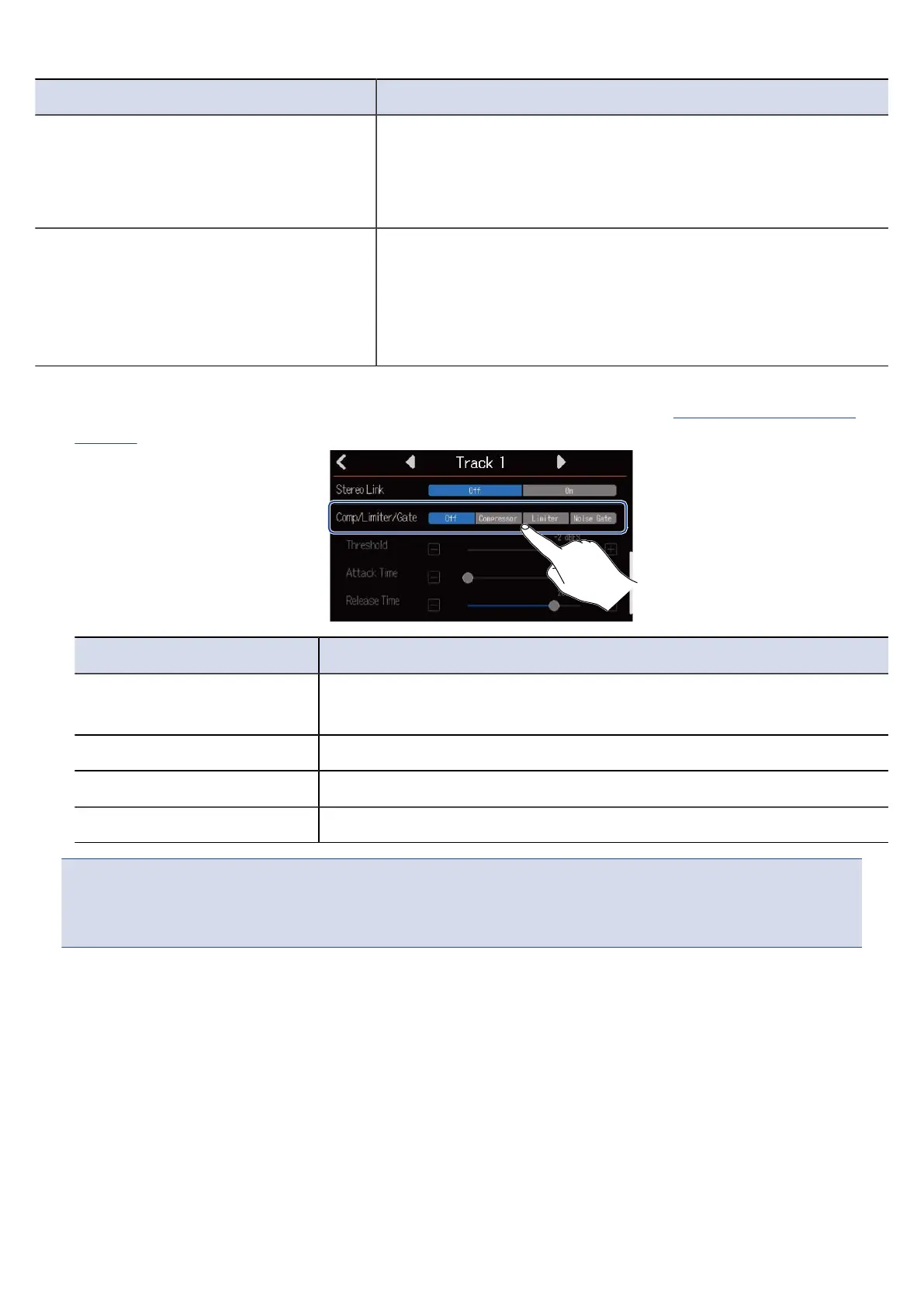
1. Tap the desired Comp/Limiter/Gate setting on the Track Settings Screen (→ Opening Track Settings
Screens).
Setting Explanation
Off This turns the Comp/Limiter/Gate off. No settings can be made from
step 2.
Compressor This selects the compressor. The ratio is 4:1.
Limiter This will apply the limiter The ratio is 20:1.
Noise Gate This will apply the noise gate.
NOTE:
Comp/Limiter/Gate cannot be used simultaneously on both tracks that share the same input.
For example, if it is used on track 1, it cannot be used on track 9.
56



 To Next Page