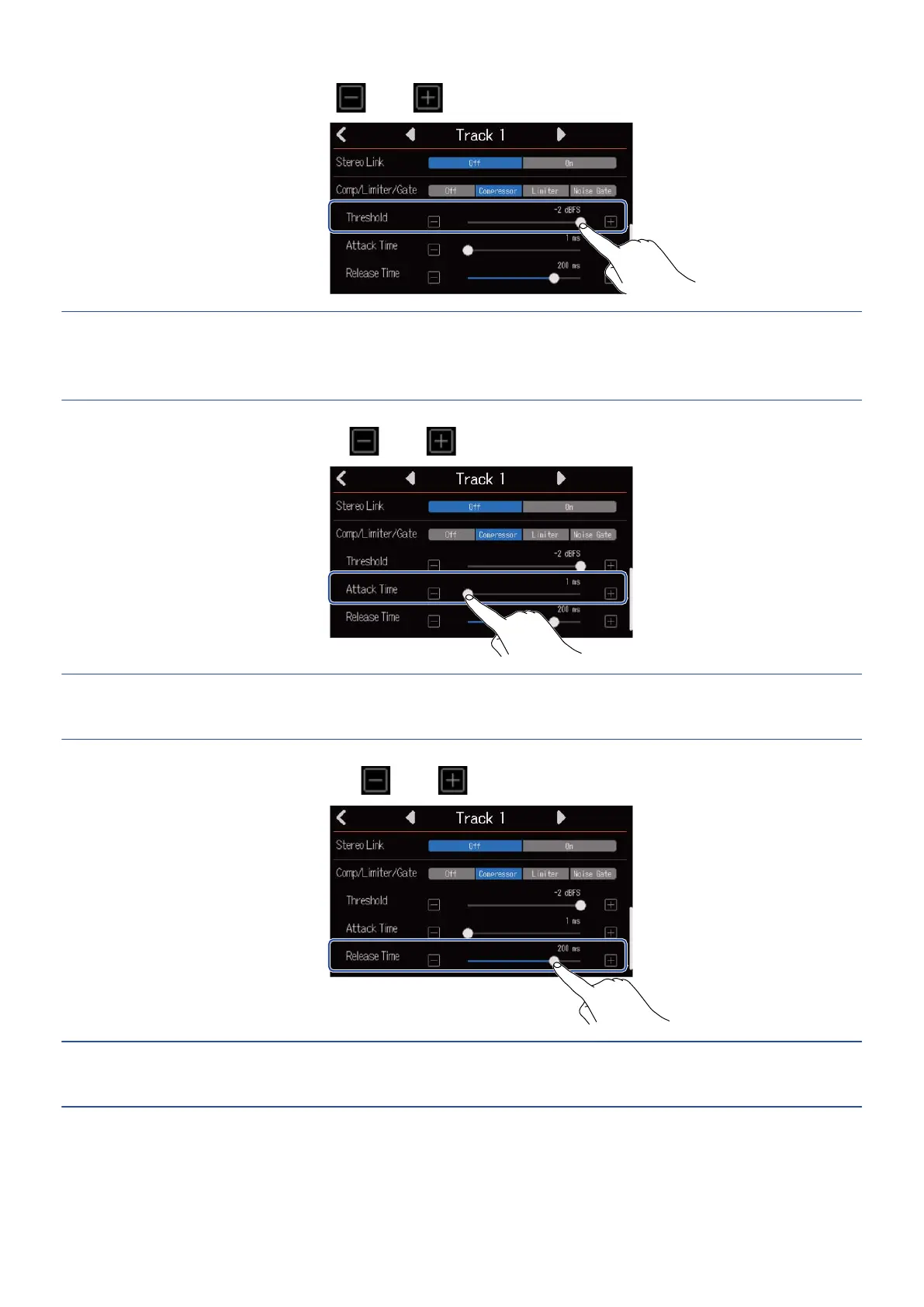
2. Slide the Threshold slider or tap and to adjust the threshold level.
HINT:
This can be set from −16 to −2 dBFS for the compressor and limiter.
This can be set from −80 to −2 dBFS for the noise gate.
3. Slide the Attack Time slider or tap and to adjust the attack time.
HINT:
This can be set from 1 to 4 ms.
4. Slide the Release Time slider or tap and to adjust the release time.
HINT:
This can be set from 1 to 500 ms.
57



 To Next Page